
An assistant that works in your own words
Ask questions, look up records, and draft documents using your own words — powered directly from your device by your choice of AI provider.
Ask in your own words
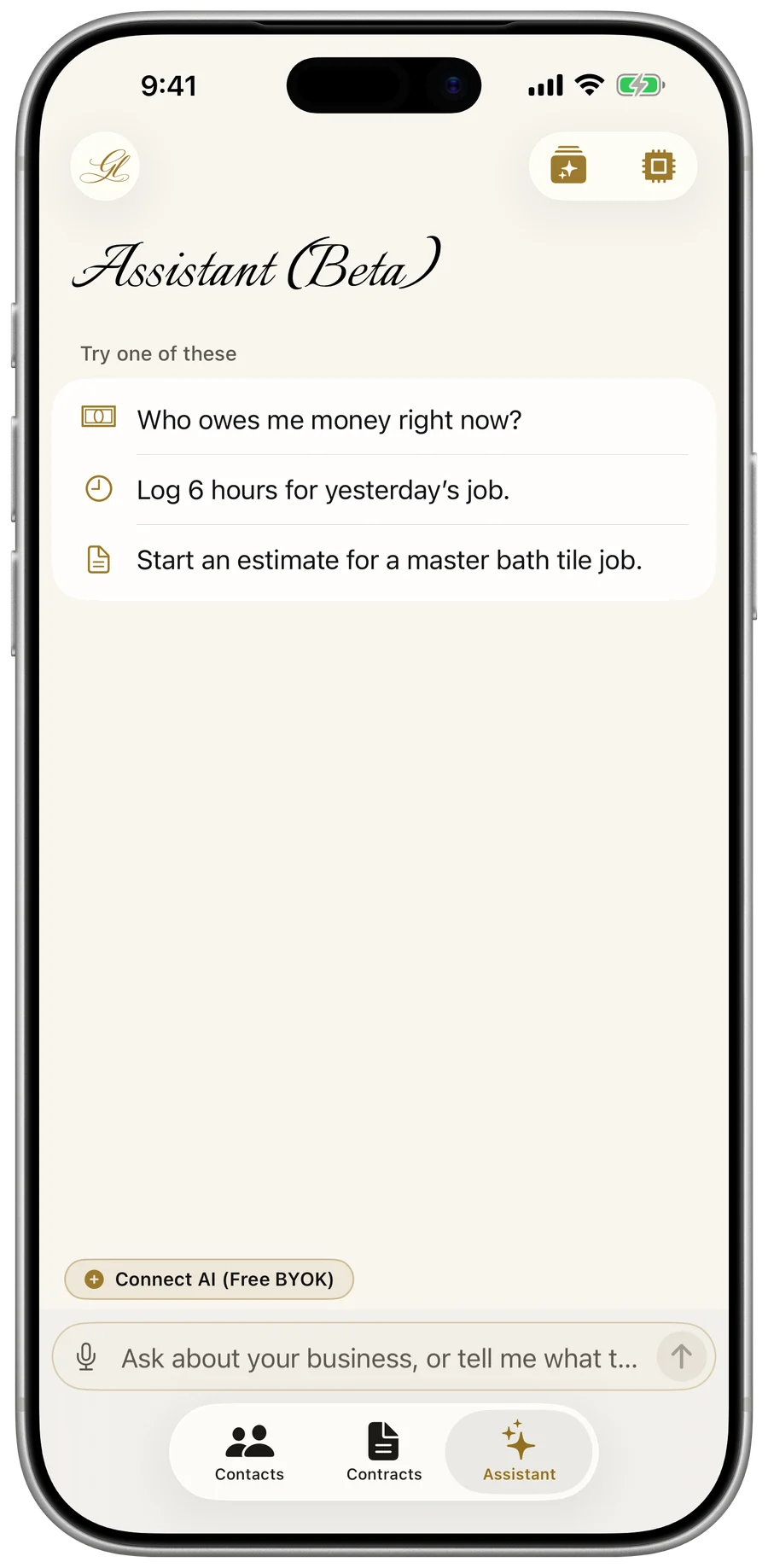
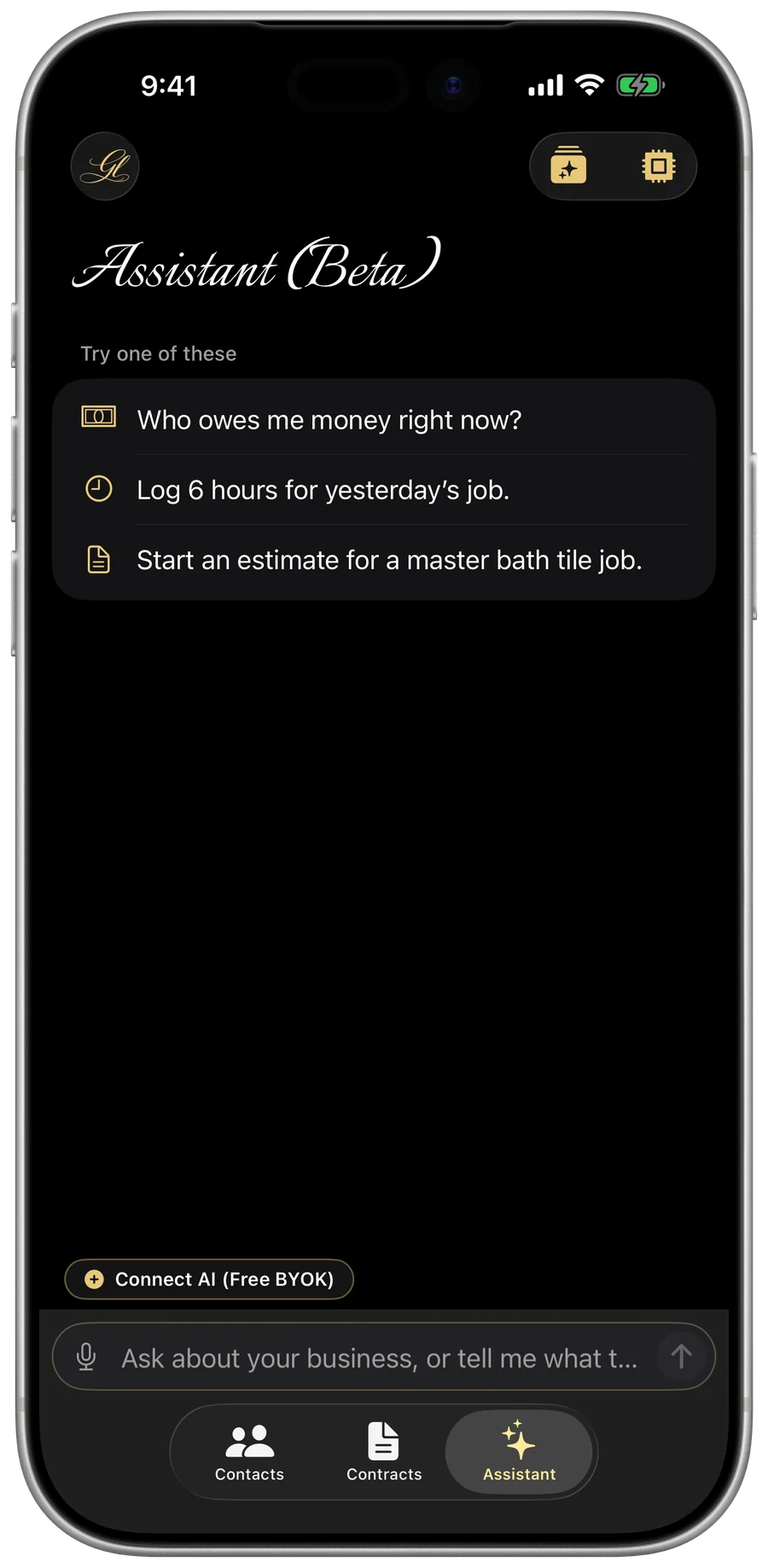
Tap the Assistant tab from the bottom bar or the sparkles button on any record. You can ask for what you need — like drafting a new estimate, checking which invoices are overdue, or seeing who is scheduled next week — and the assistant finds, adds, and updates your records for you.
- Open the Assistant tab from the bottom bar, or tap the sparkles button on any record screen.
- Type or speak your request in your own words.
- Review the assistant’s draft or answer, and tap to view or open any record directly.
- Open and inspect any estimate, invoice, job, customer, or price sheet directly from the conversation.
- Use the sparkles button on any screen to bring that specific record into context.
- When offline, the assistant works in read-only mode to find and inspect saved records.
Connect your own AI key (BYOK)
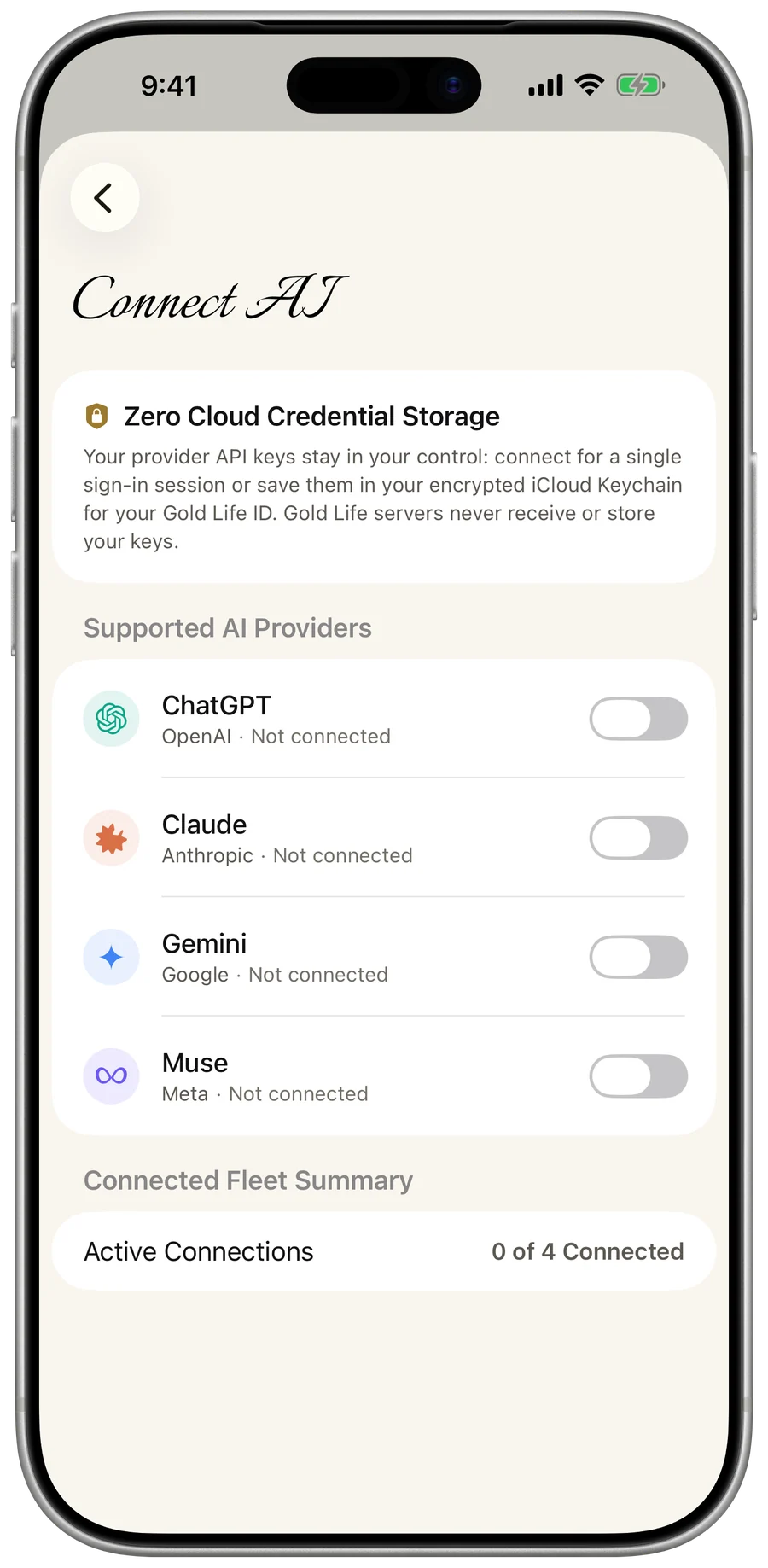
Gold Life sells no AI subscription and adds zero markup fees. Connect your own API key directly to your preferred provider — OpenAI, Anthropic, Google, or Meta — and your device talks directly to their services. By default, your key stays in memory for your current sign-in session only, or you can turn on Save API Key to keep it encrypted in your iCloud Keychain for your Gold Life ID.
- Open Menu → Connect AI.
- Choose your preferred AI provider: OpenAI, Anthropic, Google, or Meta.
- Paste your API key — leave Save API Key off for a single sign-in session, or turn it on (after reviewing and accepting the Privacy Policy and Terms of Use disclosure) to save it in your encrypted iCloud Keychain.
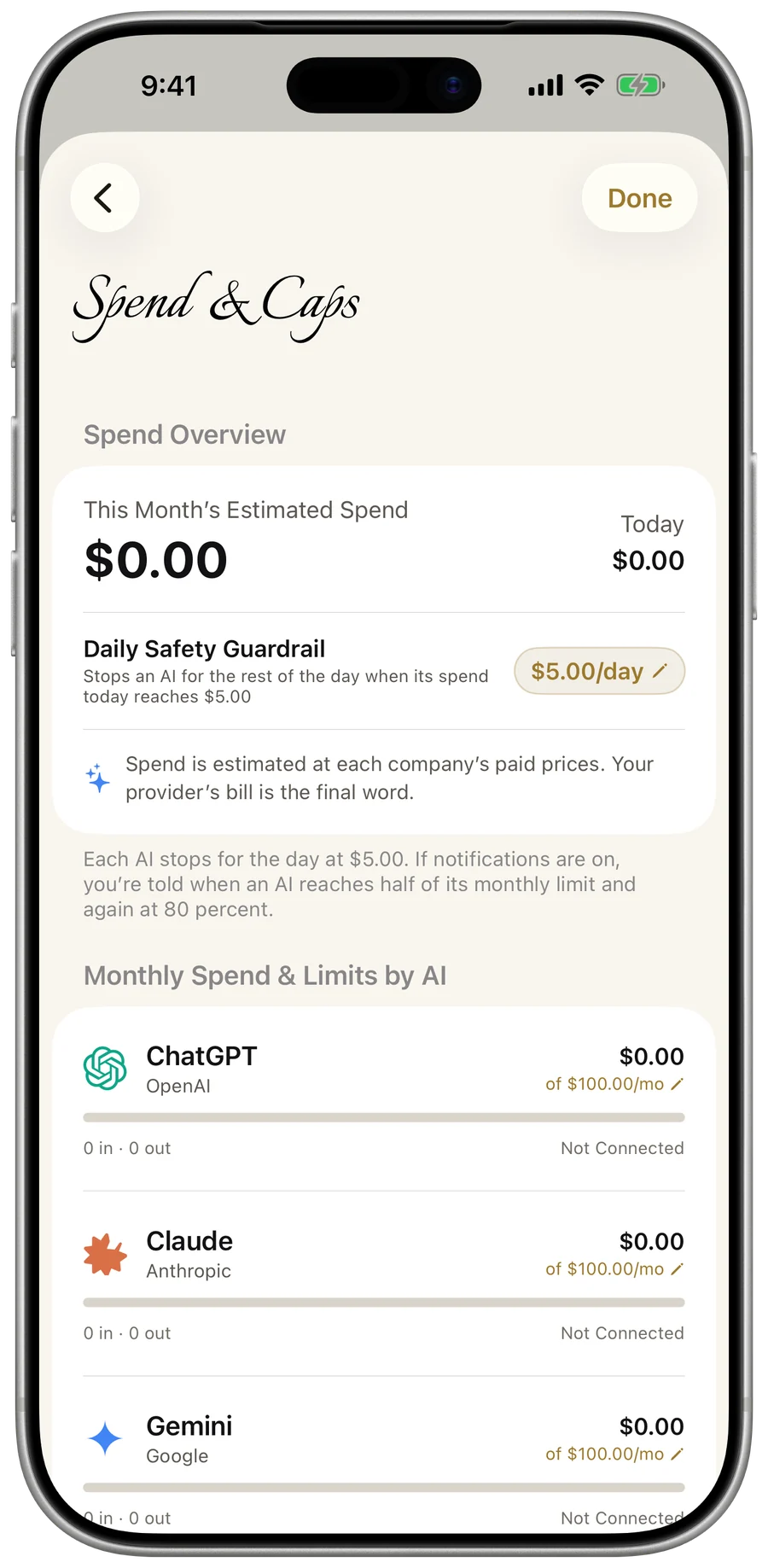
- Zero AI fees or markups from Gold Life: you only pay your provider’s direct token rates.
- Save API Key toggle: keep keys session-only in memory (cleared when you sign out) or save them in your encrypted iCloud Keychain across sign-ins, your Apple devices, and Gold Life apps.
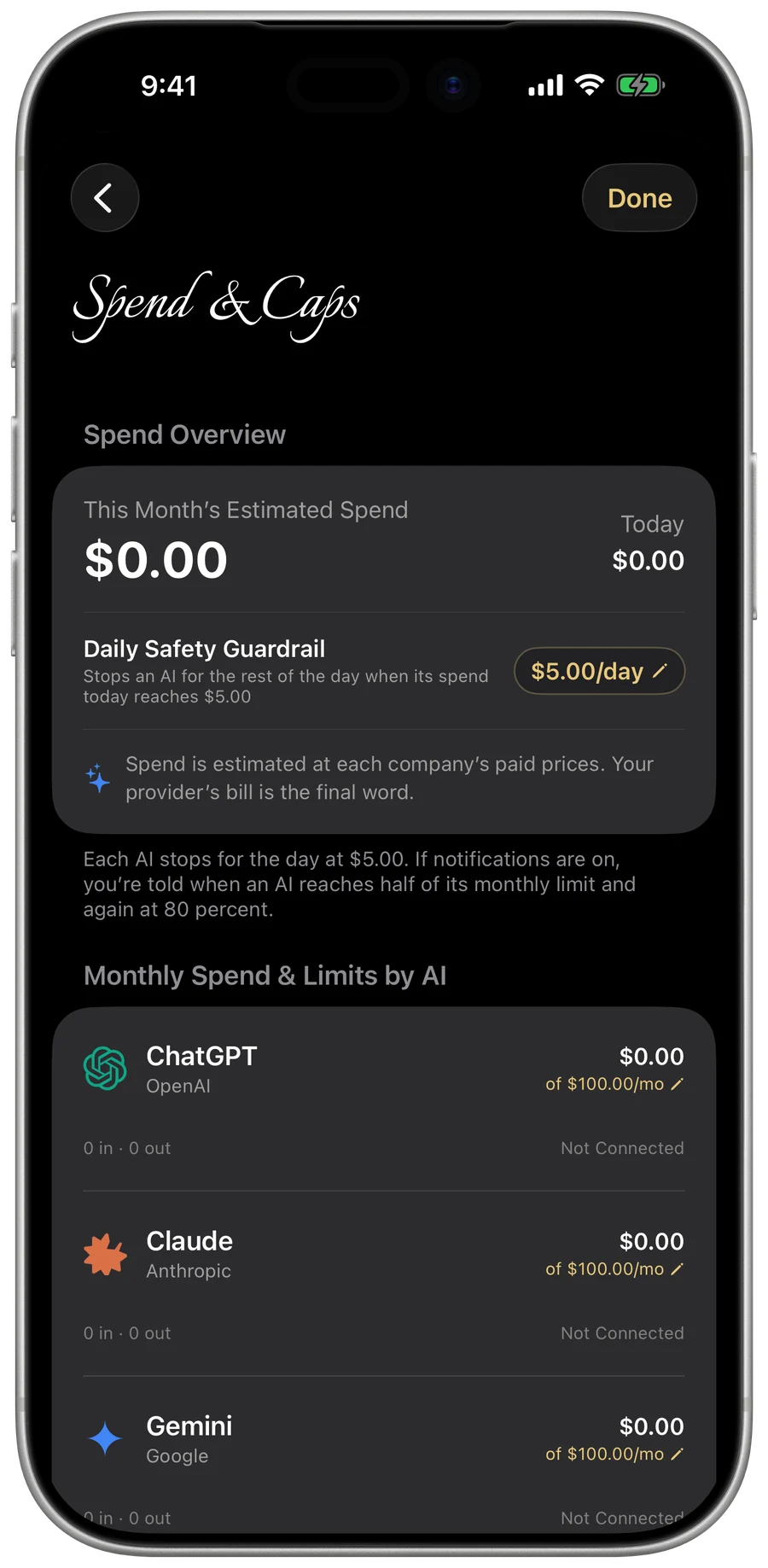
- Monitor token usage and set budget limits with the built-in Spend Meter, and never send your API keys to Gold Life servers.
Strict privacy by design
The assistant only shares records when you ask, and asks for your consent before sending anything to your connected AI provider. Sensitive credentials never leave your control.
- Tax IDs, W-9 details, signatures, and card payment accounts are removed before anything reaches the AI service.
- Photos, logos, scanned receipts, and Gold Life ID credentials are kept strictly out of AI requests.
- Stop sharing anytime in Menu → Settings, or disconnect your provider keys in Menu → Connect AI.
BETA NOTICE: The assistant is in beta testing. Each AI provider handles your requests under its own terms and privacy policy, and bills your key for what you use.