
Software by GLGold Life LLC · Tallahassee, FL
Now on the App Store
My Business app icon
SOFTWARE BY GL · iOS, iPHONE DUO & iPAD

My Business

Run Your Whole Trade. From Your Pocket.

Run your whole trade from your pocket — estimates, contracts, invoices, scheduling, your crew, your subs, and the numbers behind it all. Built the way I’d build it for my own business: clean, honest, no shortcuts.
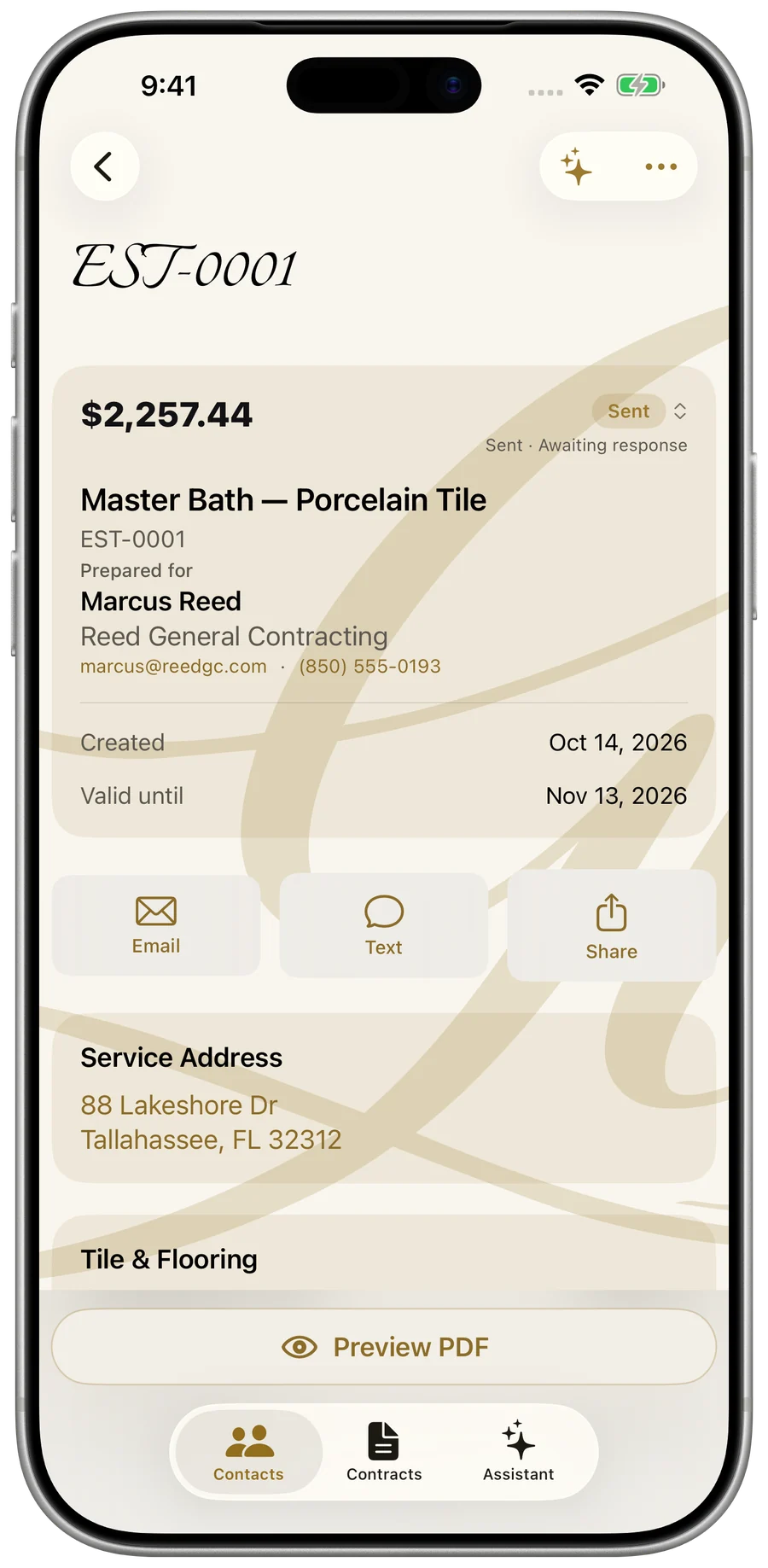
iPhone, iPhone Duo & iPadBacked up to your Gold Life accountFree to start
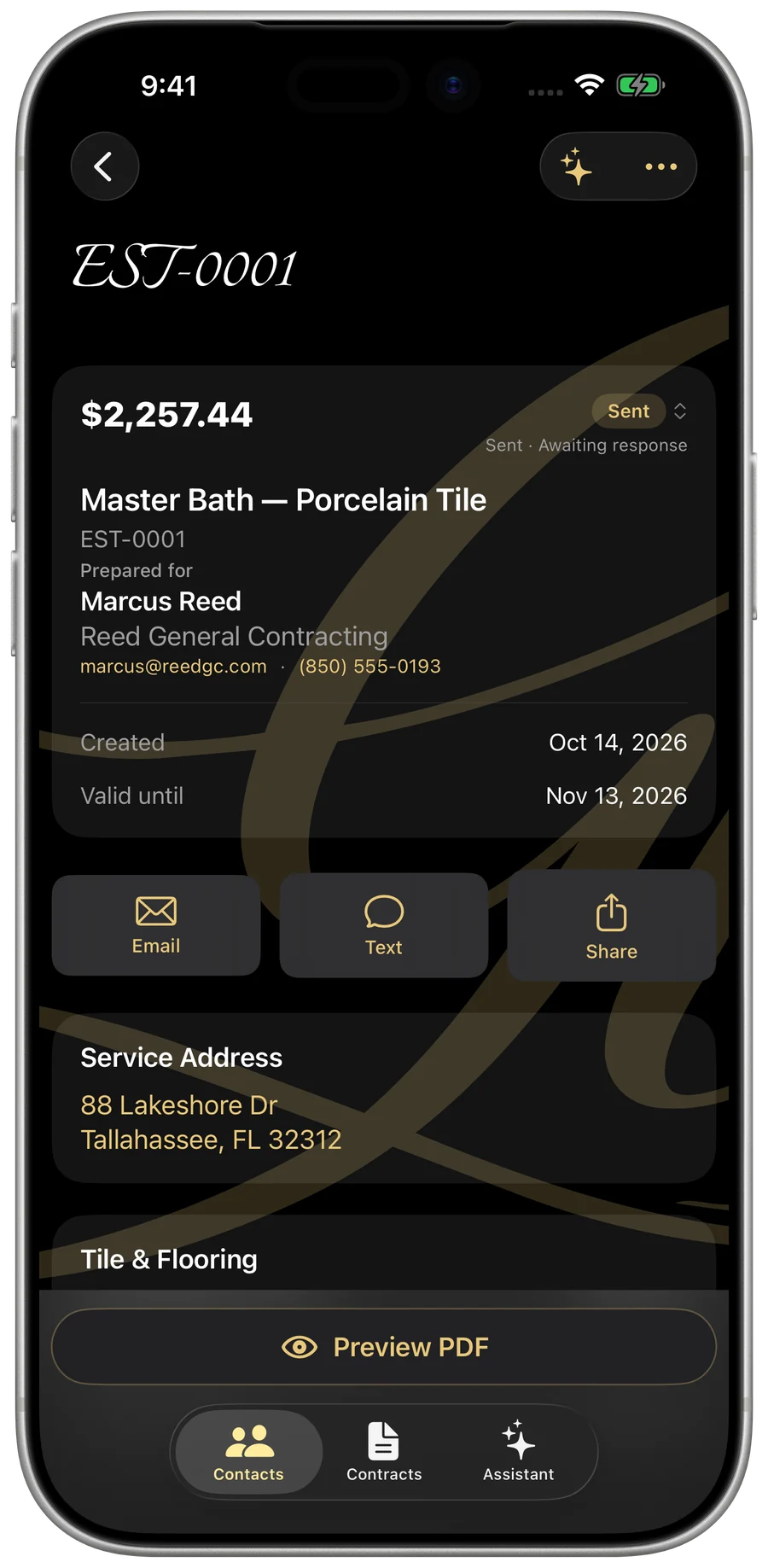
My Business — an itemized estimate on iPhone
iPhone Duo · Dual-Display Architecture

Two Screens. Infinite Productivity.

Built from the ground up for iPhone Duo’s revolutionary dual-display canvas. Glide effortlessly from fast one-handed dispatch on the outer screen to a complete three-column master calendar and project console when unfolded.
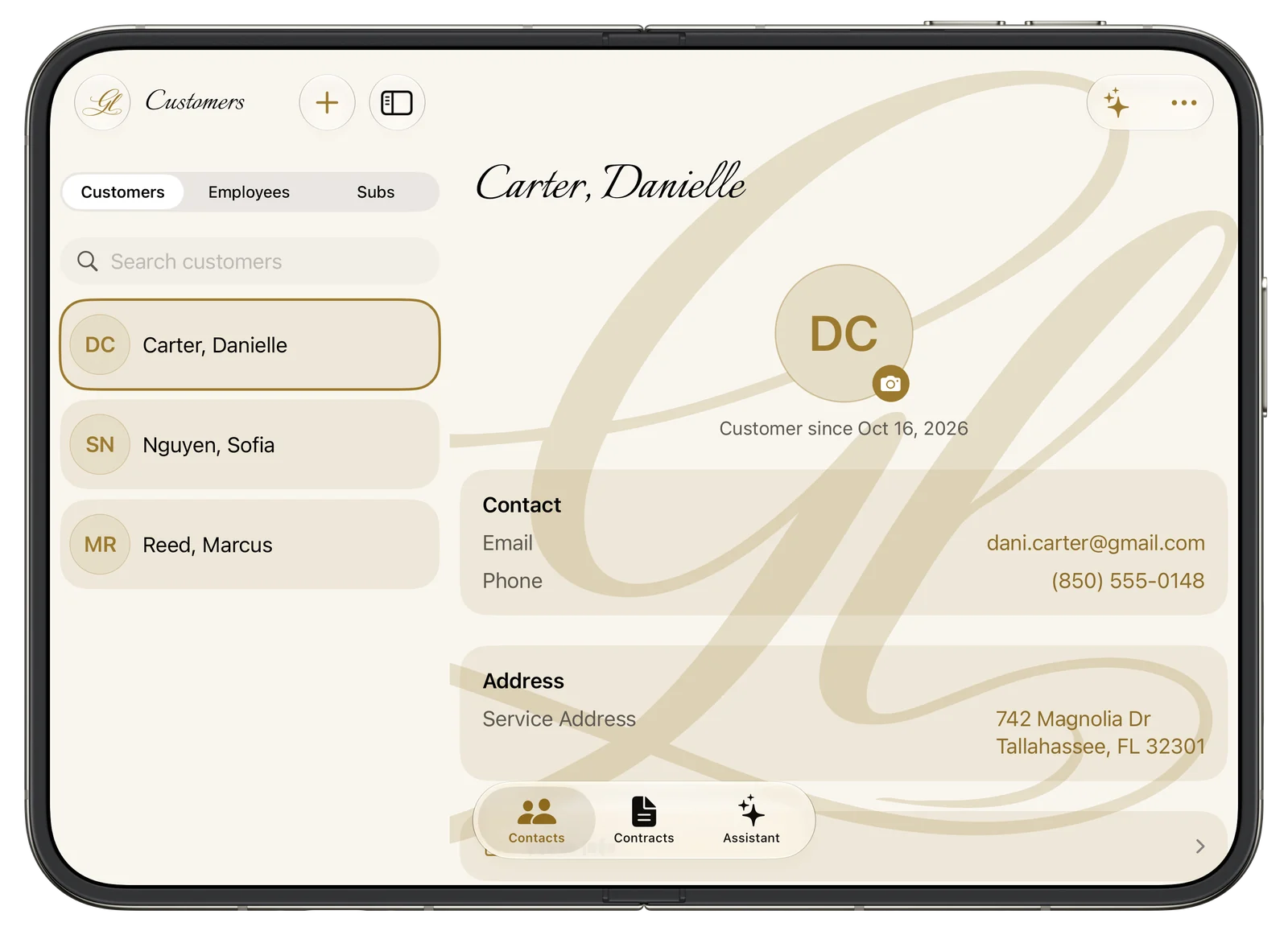
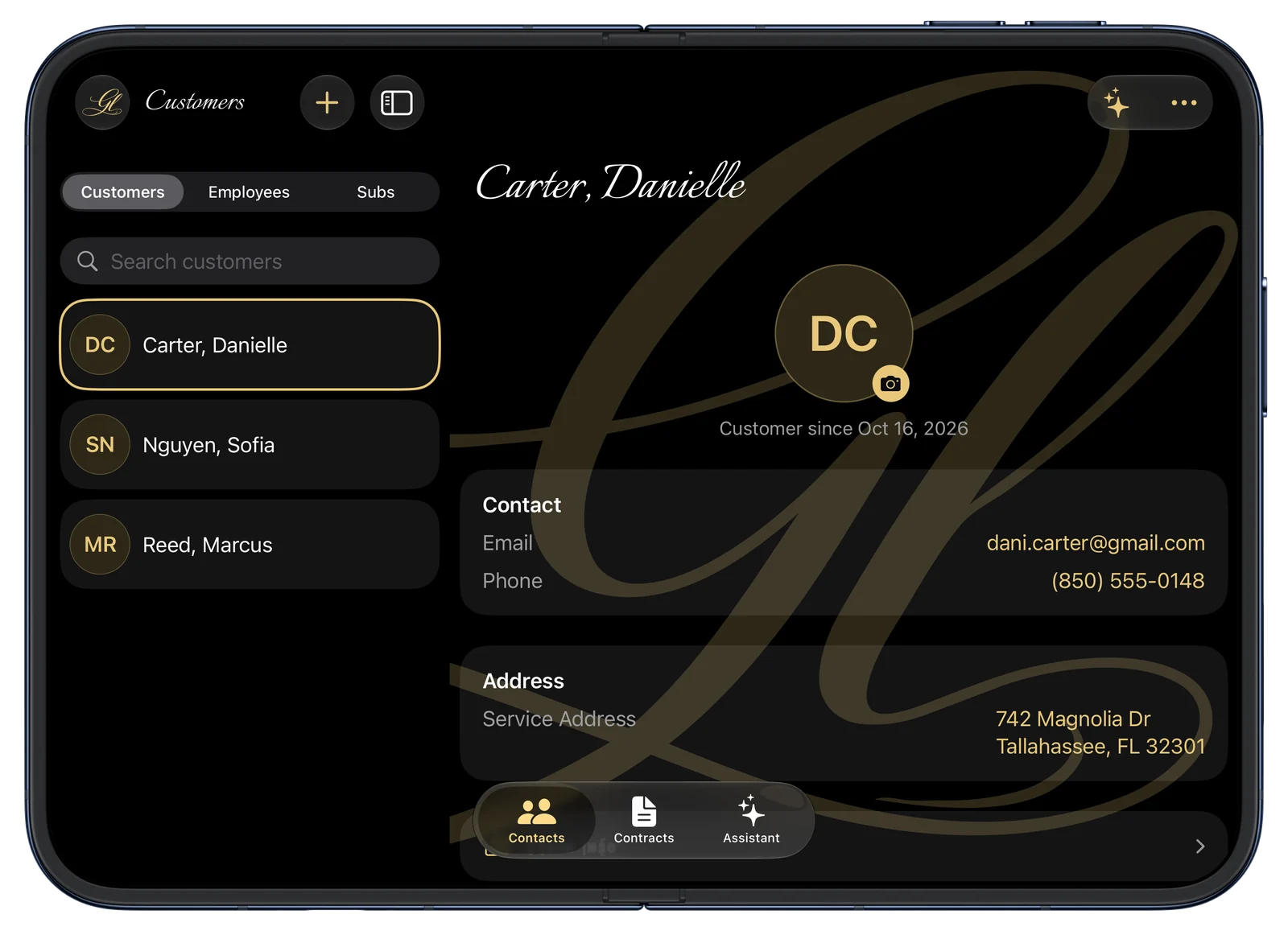
My Business — 2-column client directory and contact records on the unfolded iPhone Duo
Inner Dual Display · Unfolded

Expanded two-column split view: browse your client directory, inspect full contact records, and access customer history on the expansive canvas.
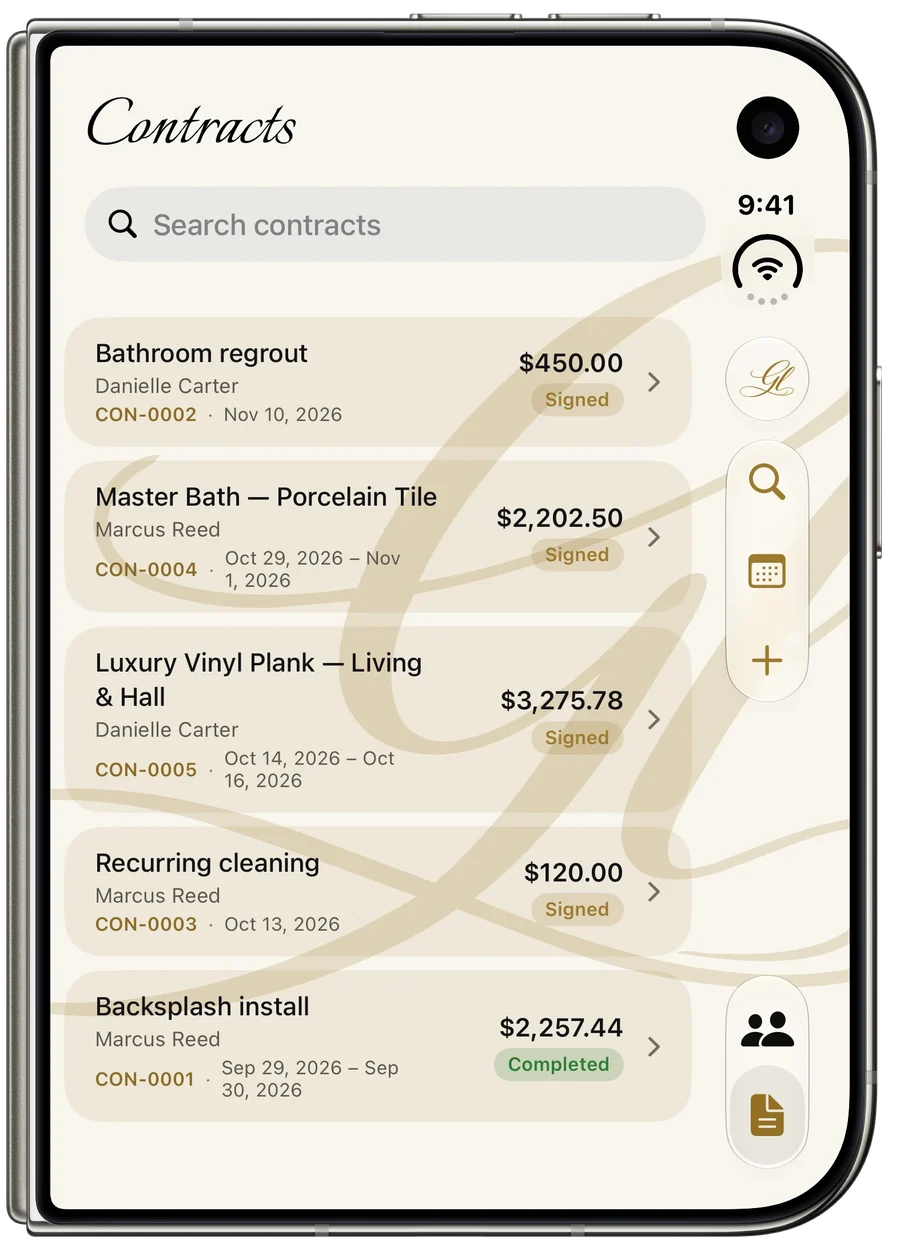
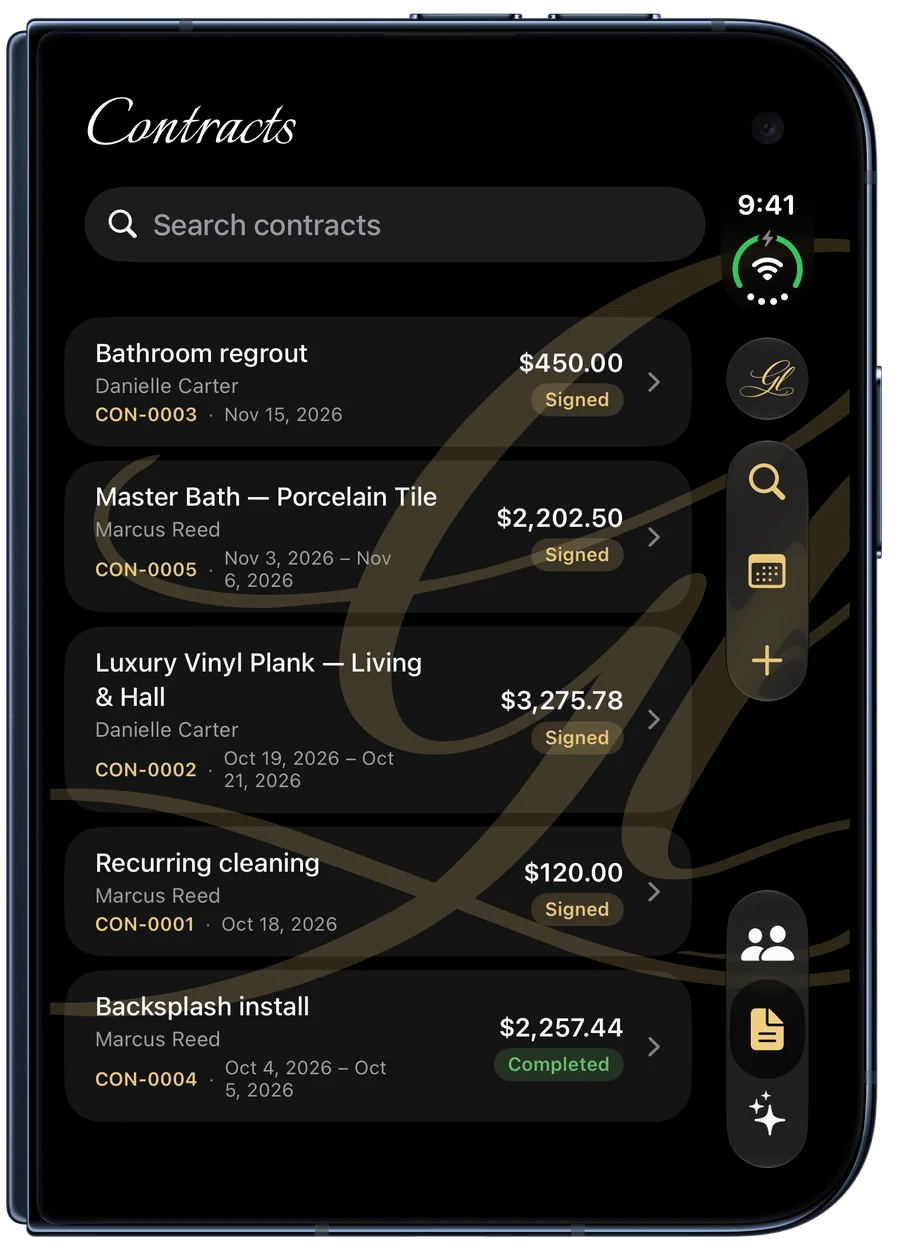
My Business — quick contract pipeline on the closed iPhone Duo outer screen
Outer Display · Closed

Compact, single-handed workflow: review contracts, check customer signatures, and tap actions along the vertical ergonomic rail.

iPad · Native 3-Column Split View

Designed for iPad — Not Just Stretched Onto It.

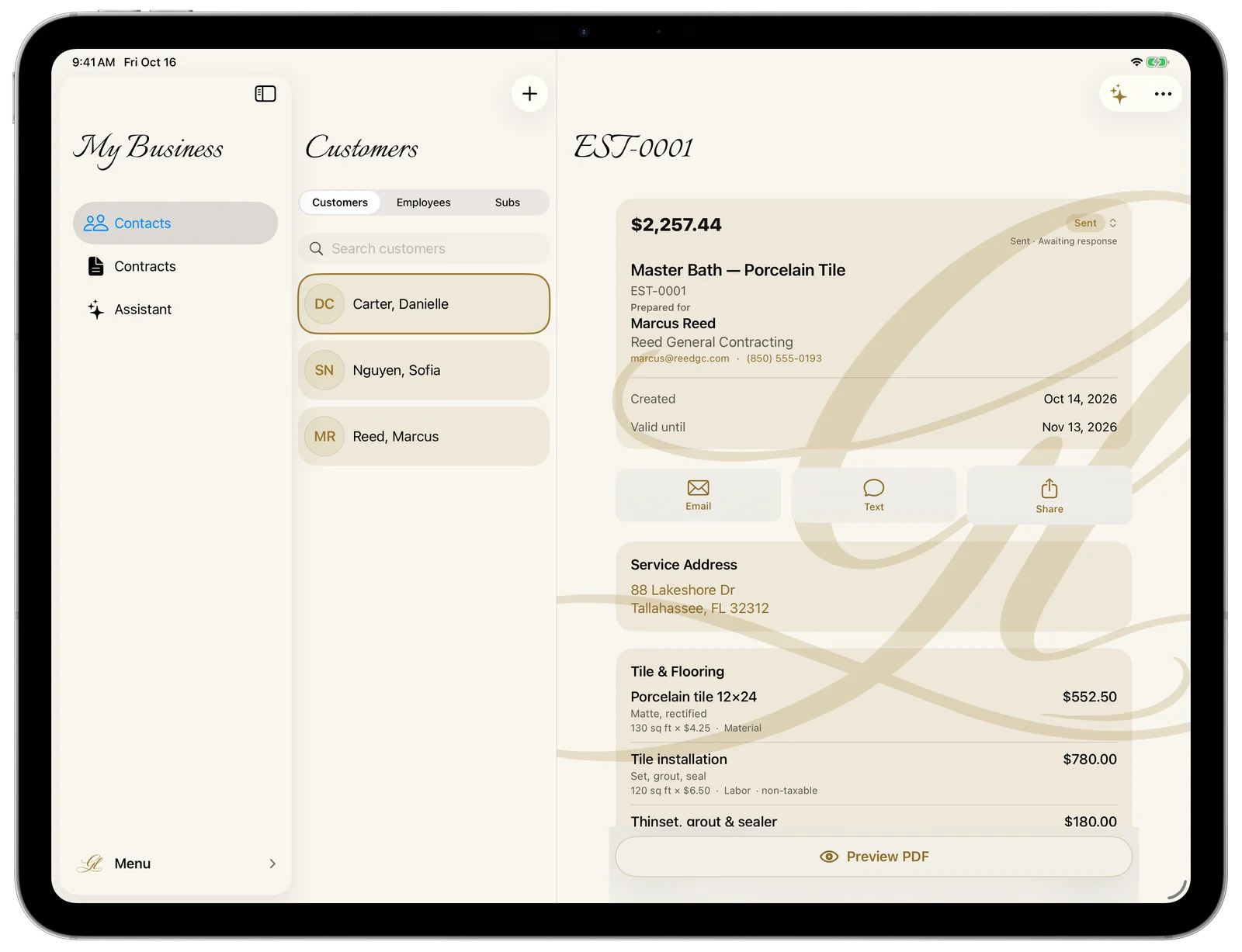
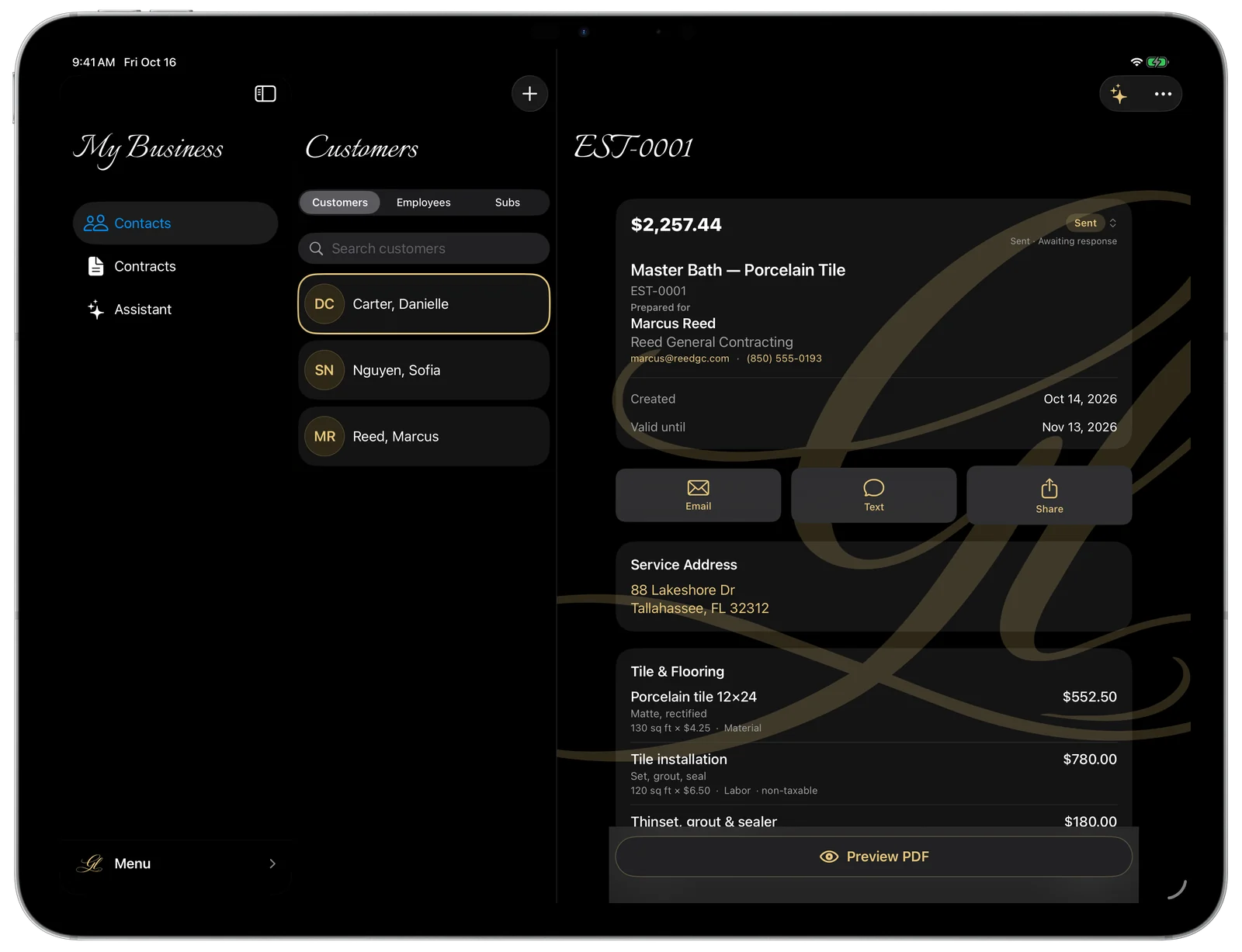
The full picture, side by side: your list, the details, and the job all on one screen. A real three-column layout built for the big display — and once you’re signed in, it carries over from your phone through your Gold Life account.
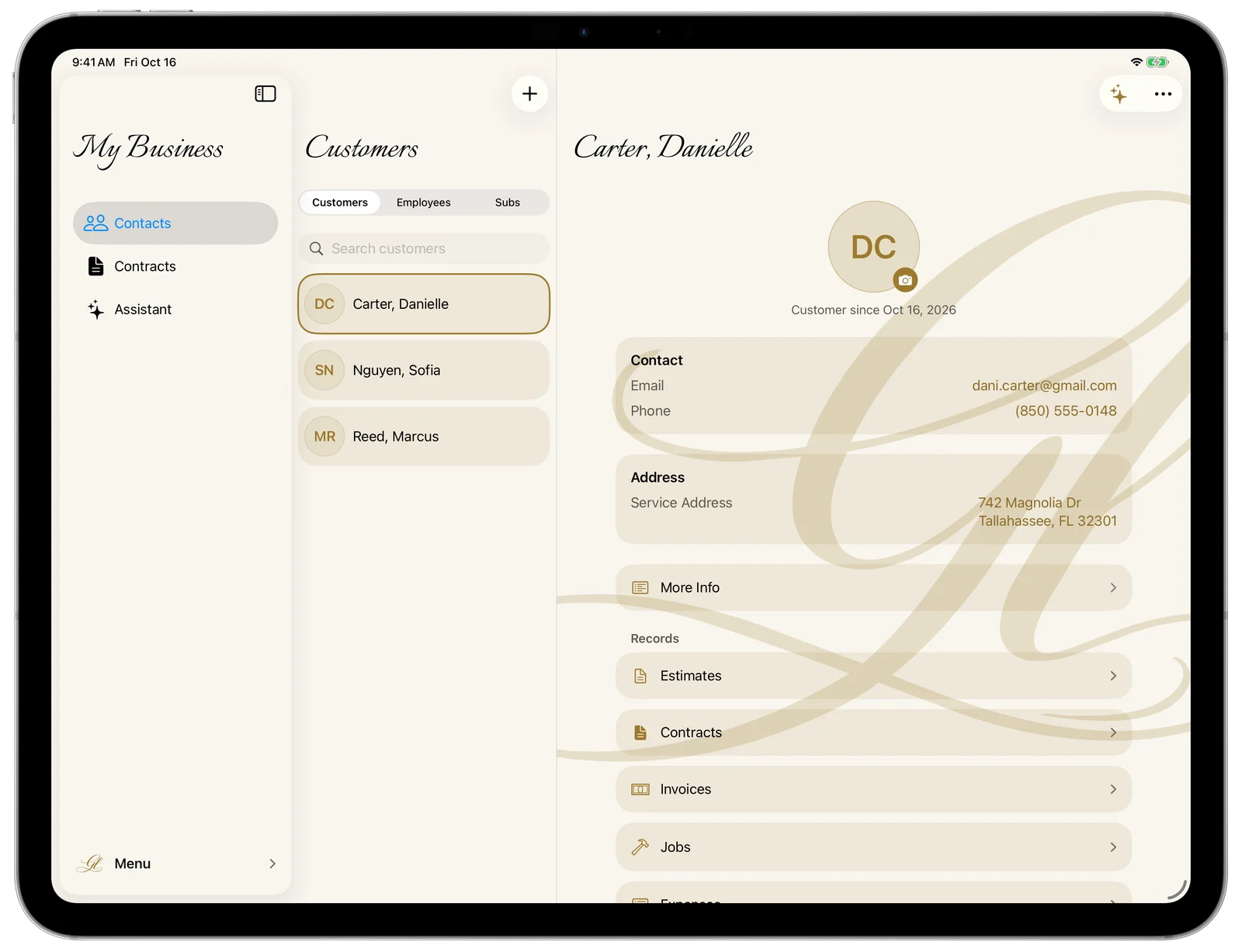
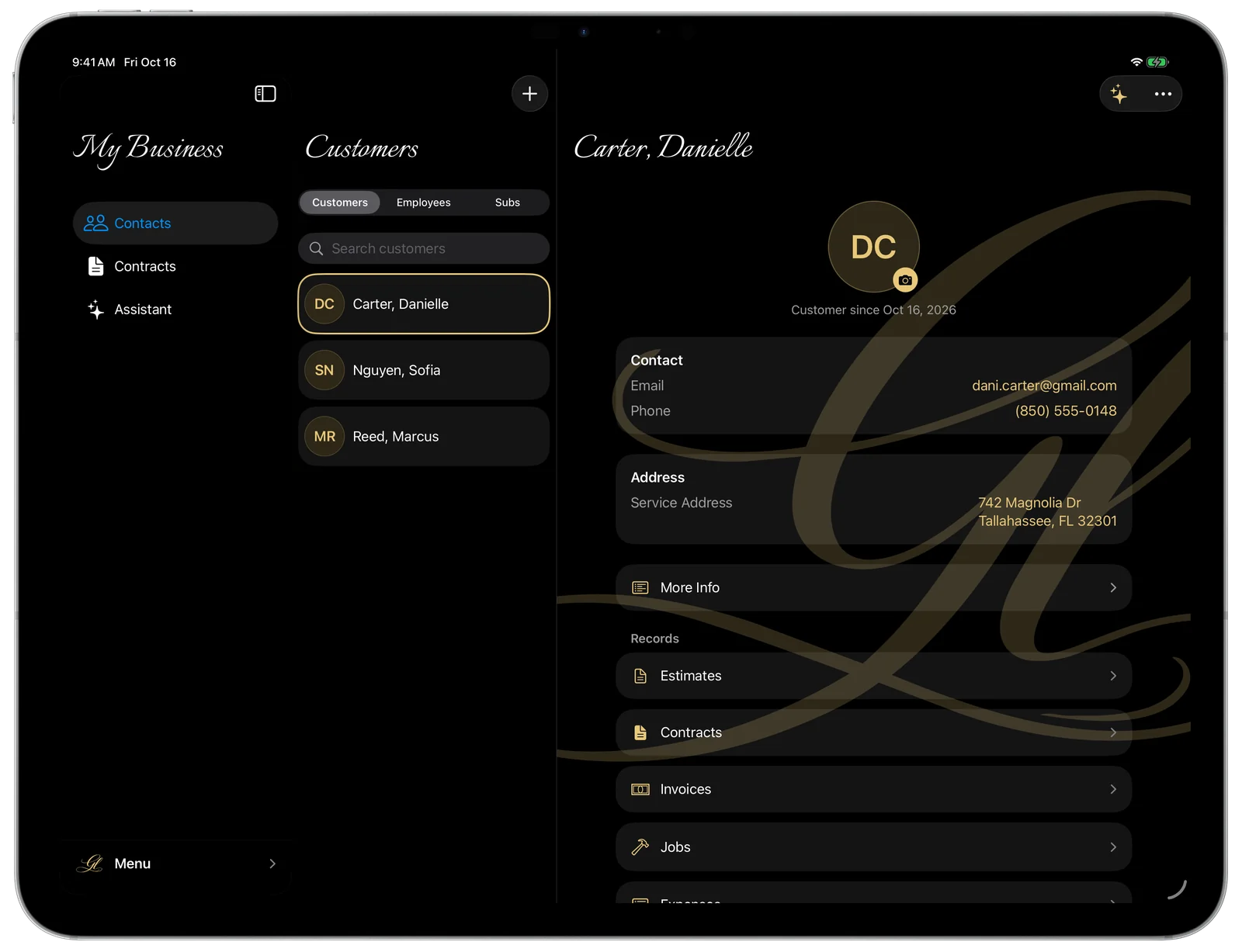
My Business — the three-column customer view on iPad in landscape
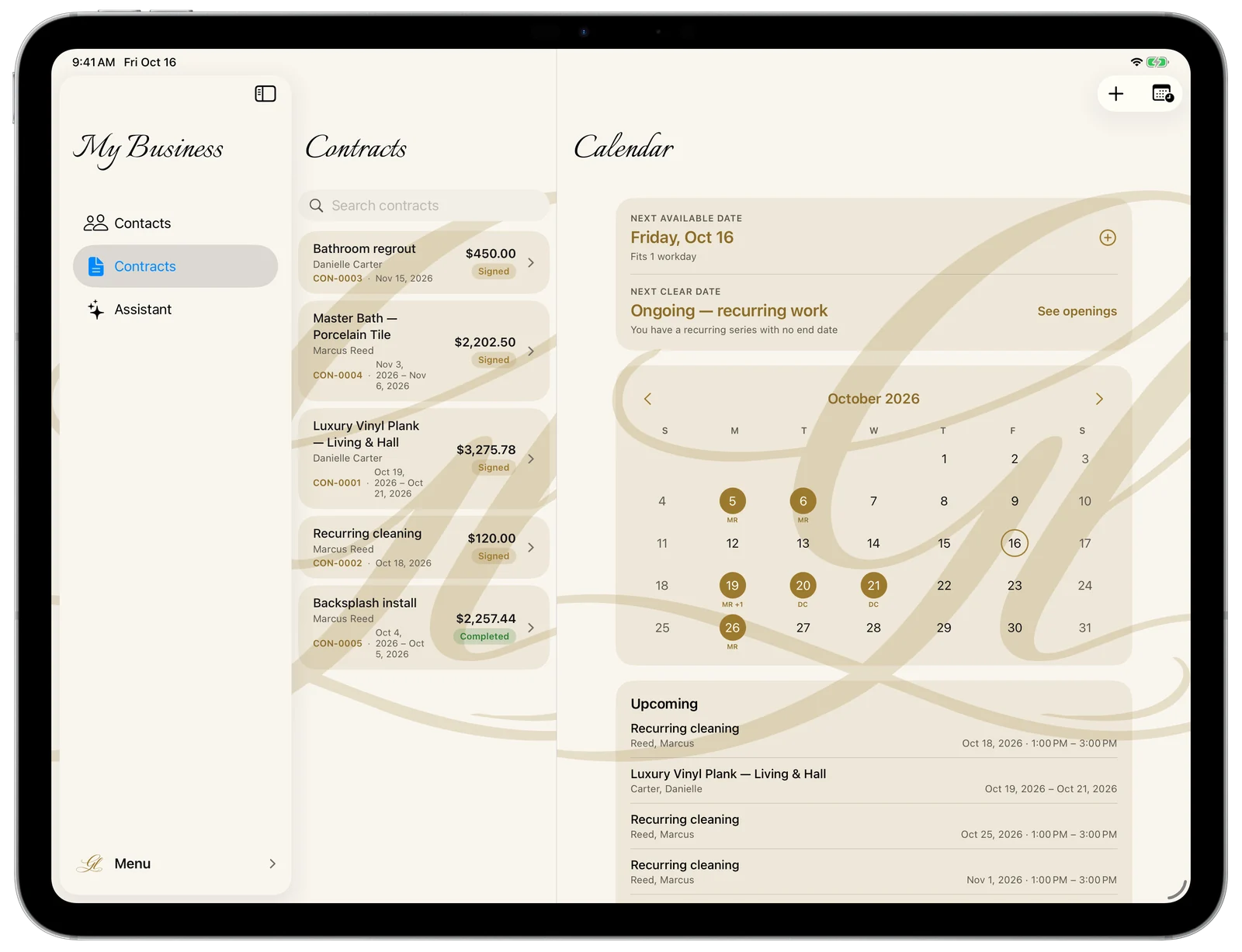
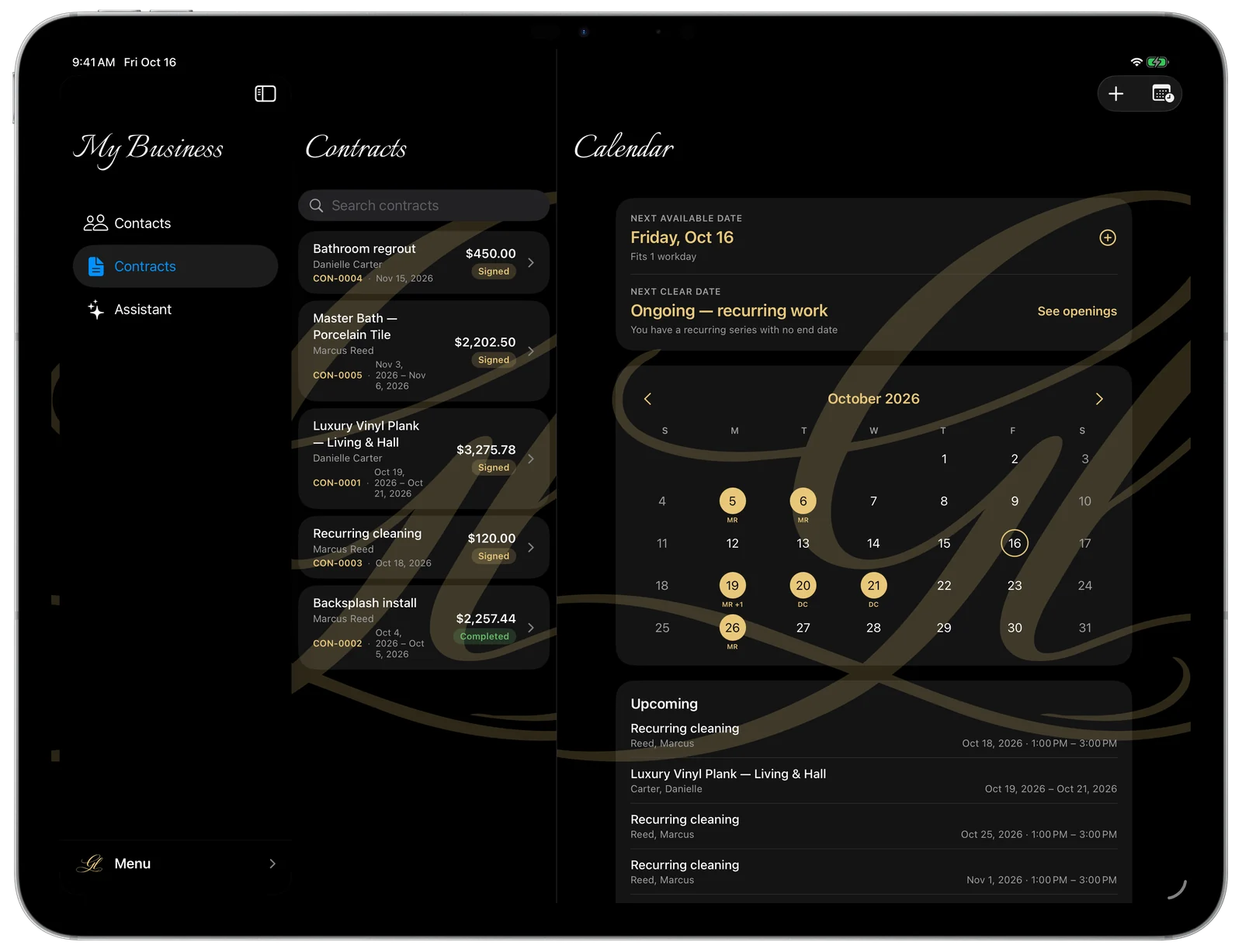
My Business — the Calendar on iPad
My Business — an estimate in the detail column on iPad
14 Integrated Trade Modules

One App for the Whole Business.

Every part of running the job, in one place. Tap Learn more on any of these to see exactly how it works.

My Business — an itemized estimate
Estimates

Quotes that win the job

Itemized, branded estimates in minutes — labor and materials, tax, deposits — then convert to an invoice the moment they’re accepted.
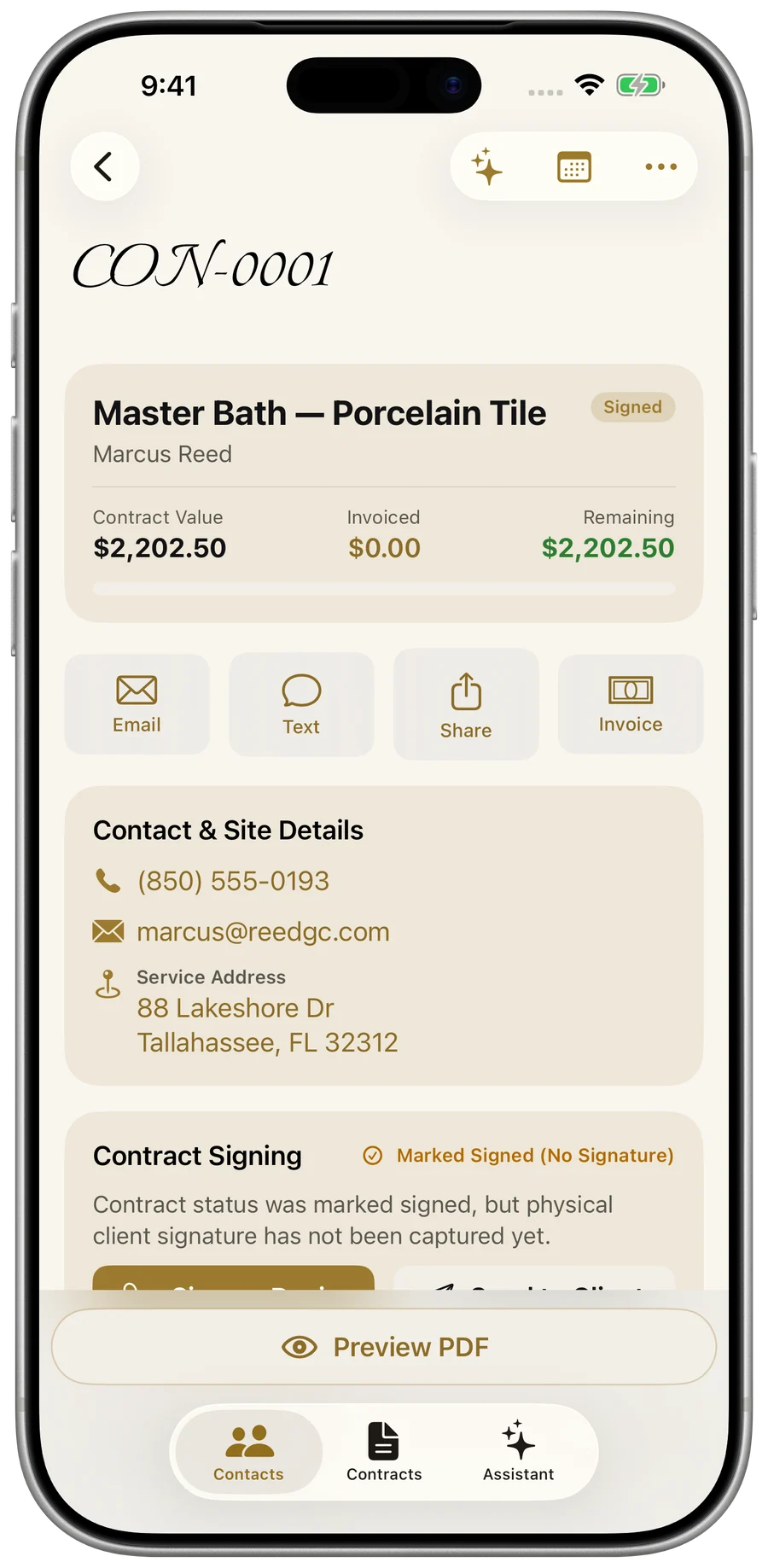
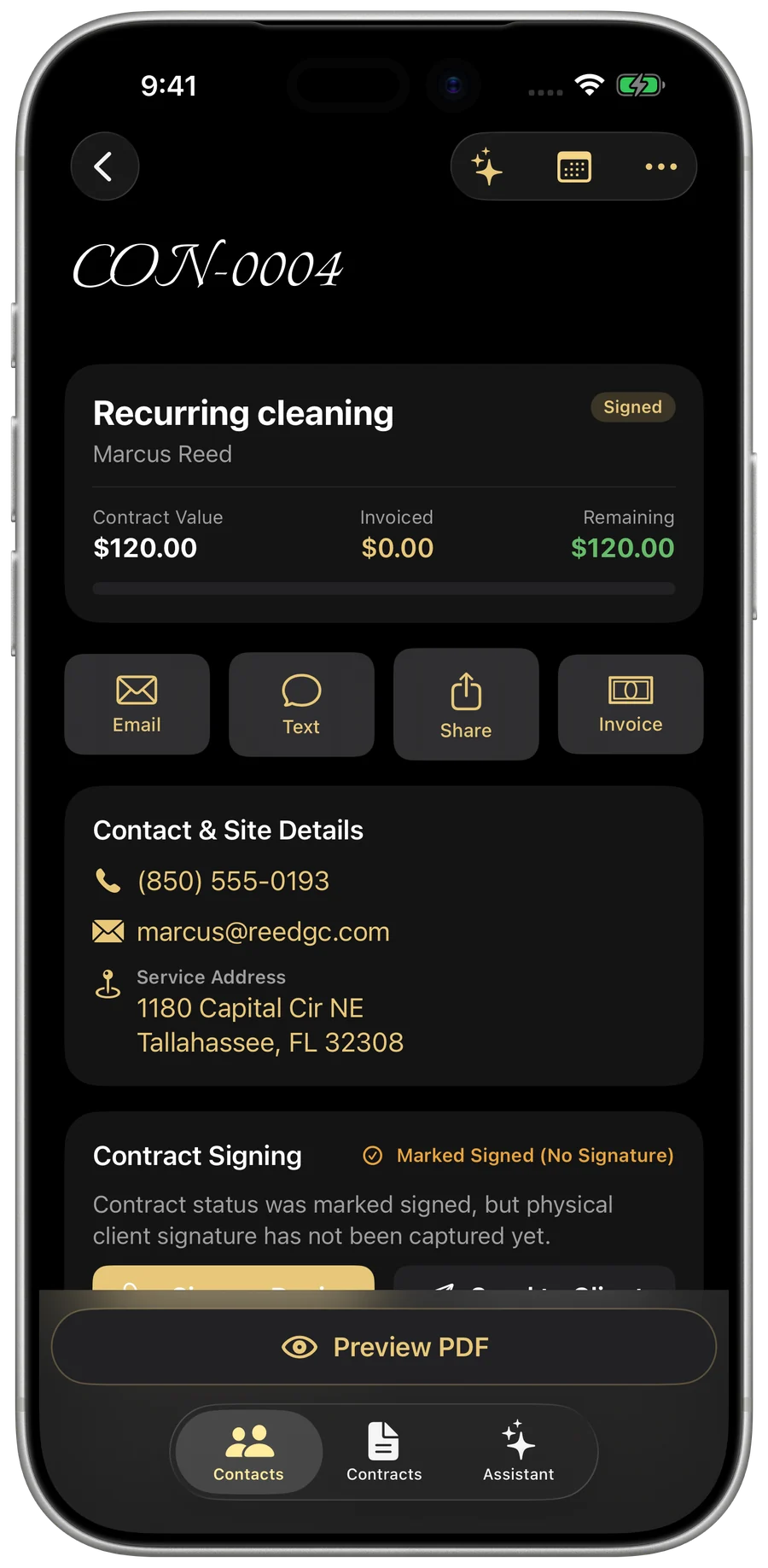
My Business — a legally binding contract
Contracts & change orders

Lock it in, track every change

Turn an estimate into a legally binding contract with signatures. When the scope changes mid-job, add auto-approved change orders straight to the contract.
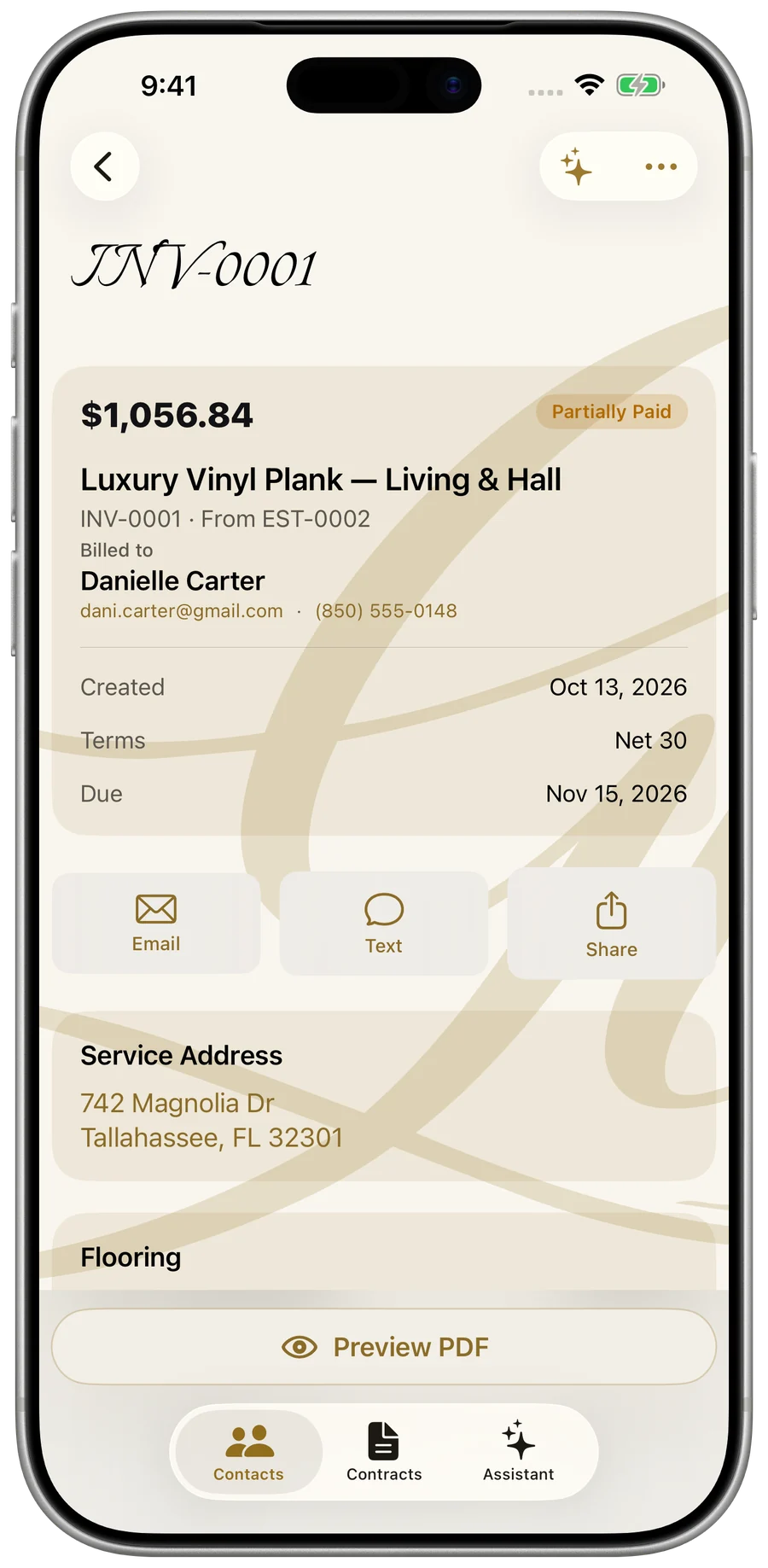
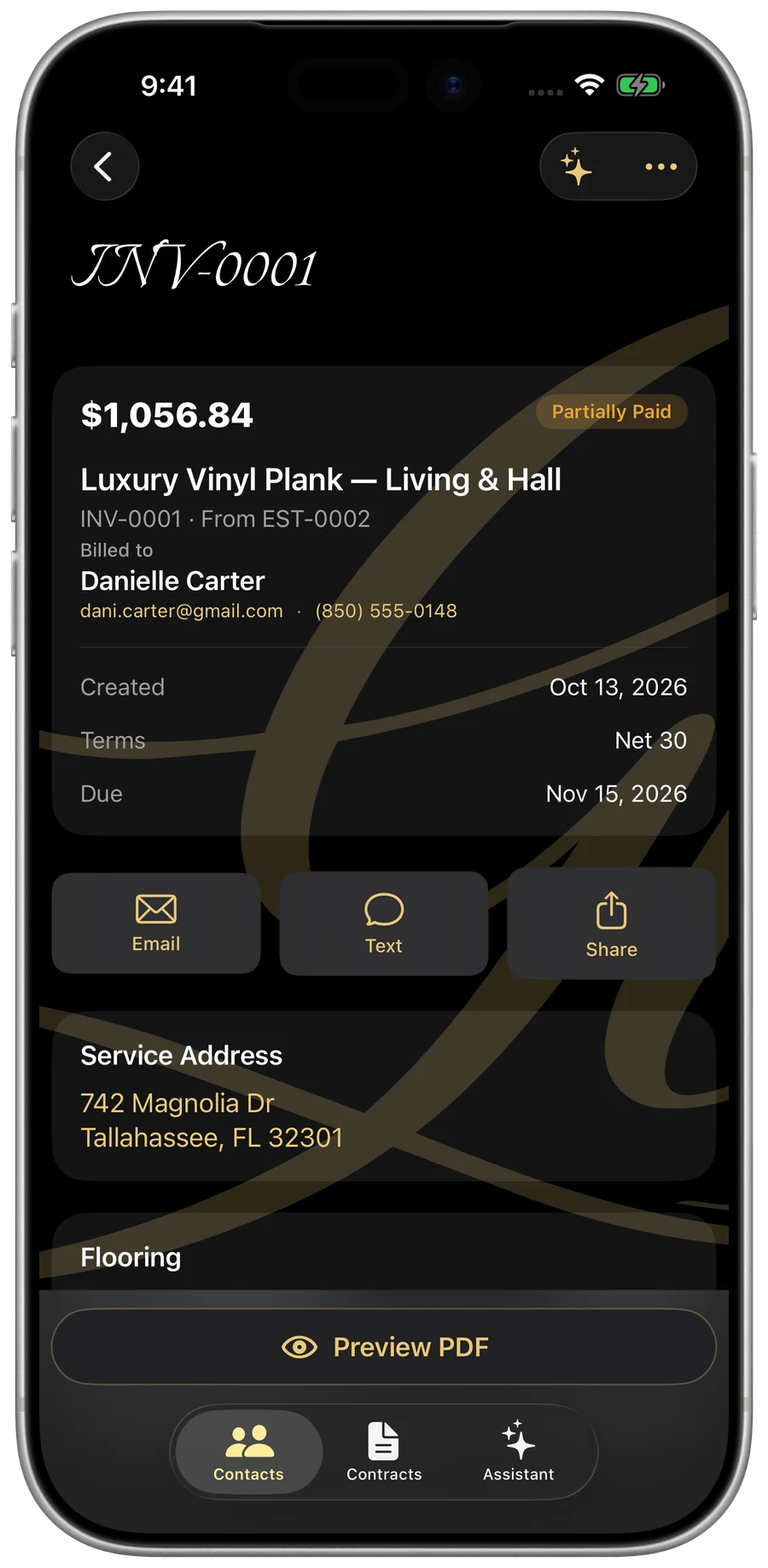
My Business — an invoice with payments tracked
Invoices & payments

Bill the job, get paid

Branded invoices, deposits and milestone billing, and every payment logged.
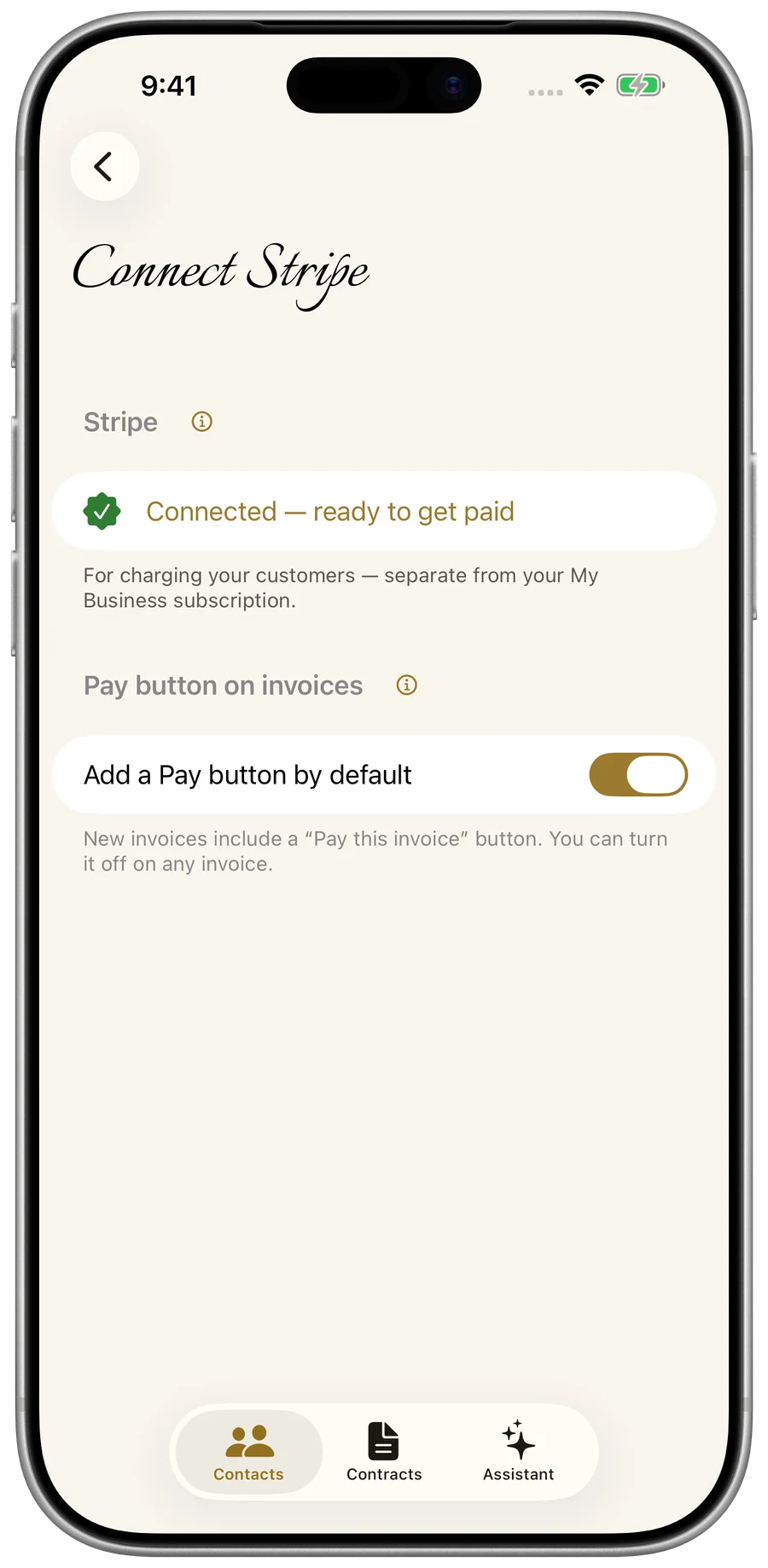
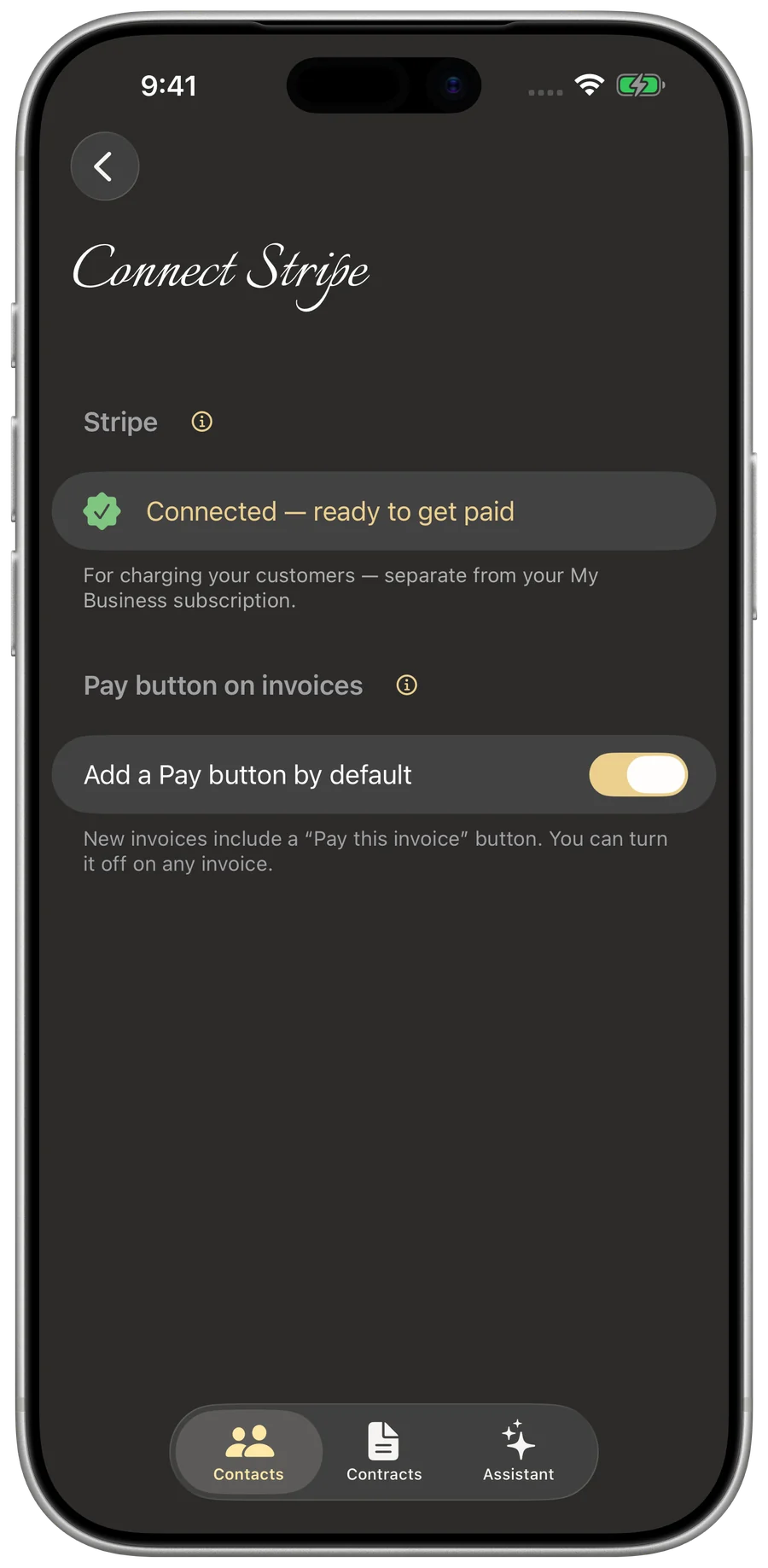
My Business — connected payment options for card and Zelle
Card & Zelle payments

Let customers pay by card or Zelle

Connect Stripe to accept card payments and connect Zelle to add your phone or email right onto invoices and PDF receipts. The app reconciles card payments automatically, with zero extra transaction fees from Gold Life.
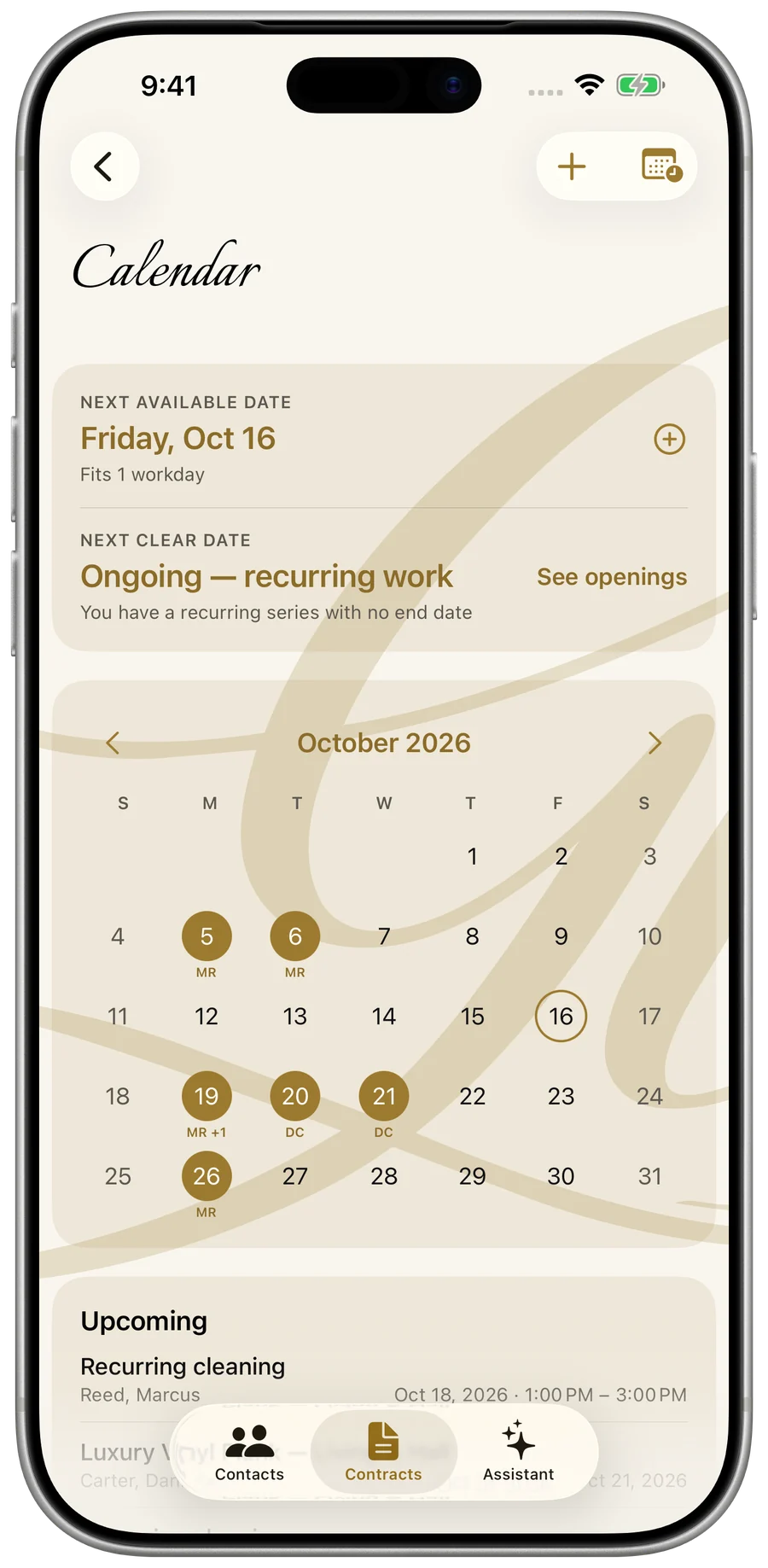
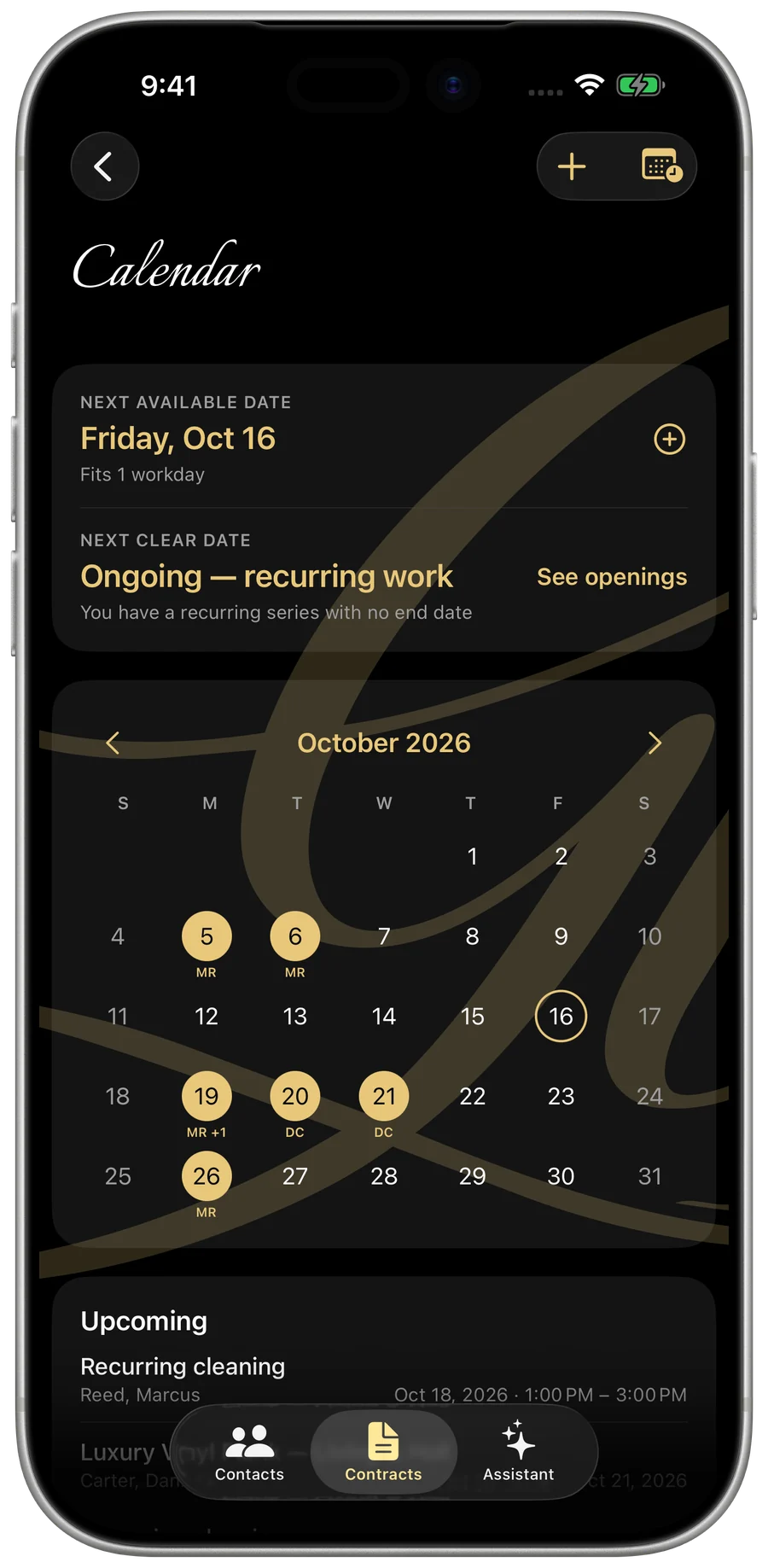
My Business — the calendar and next available date
Scheduling

Never double-book again

A calendar that knows your next free day and every open gap — and recurring work that books itself.
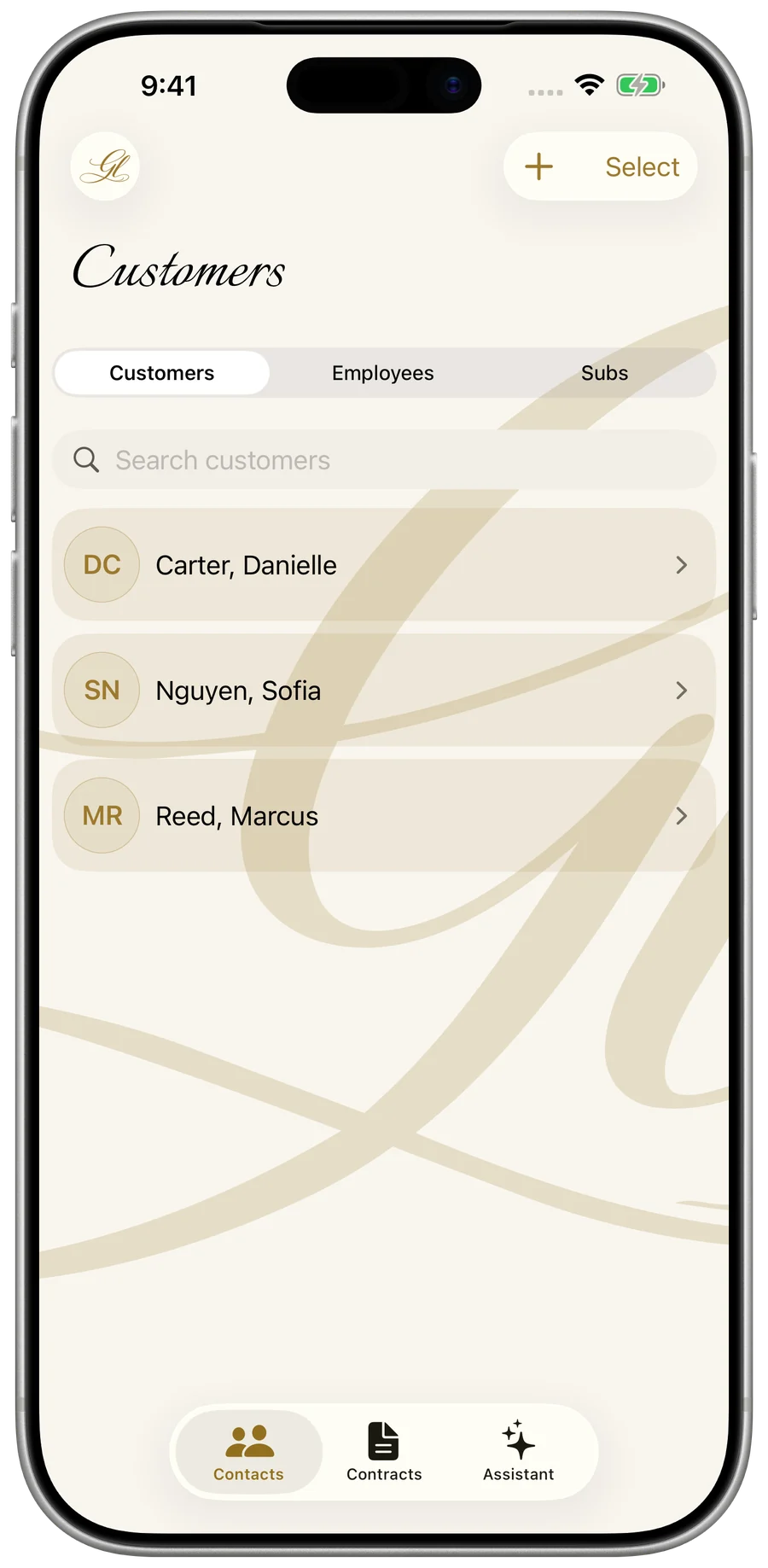
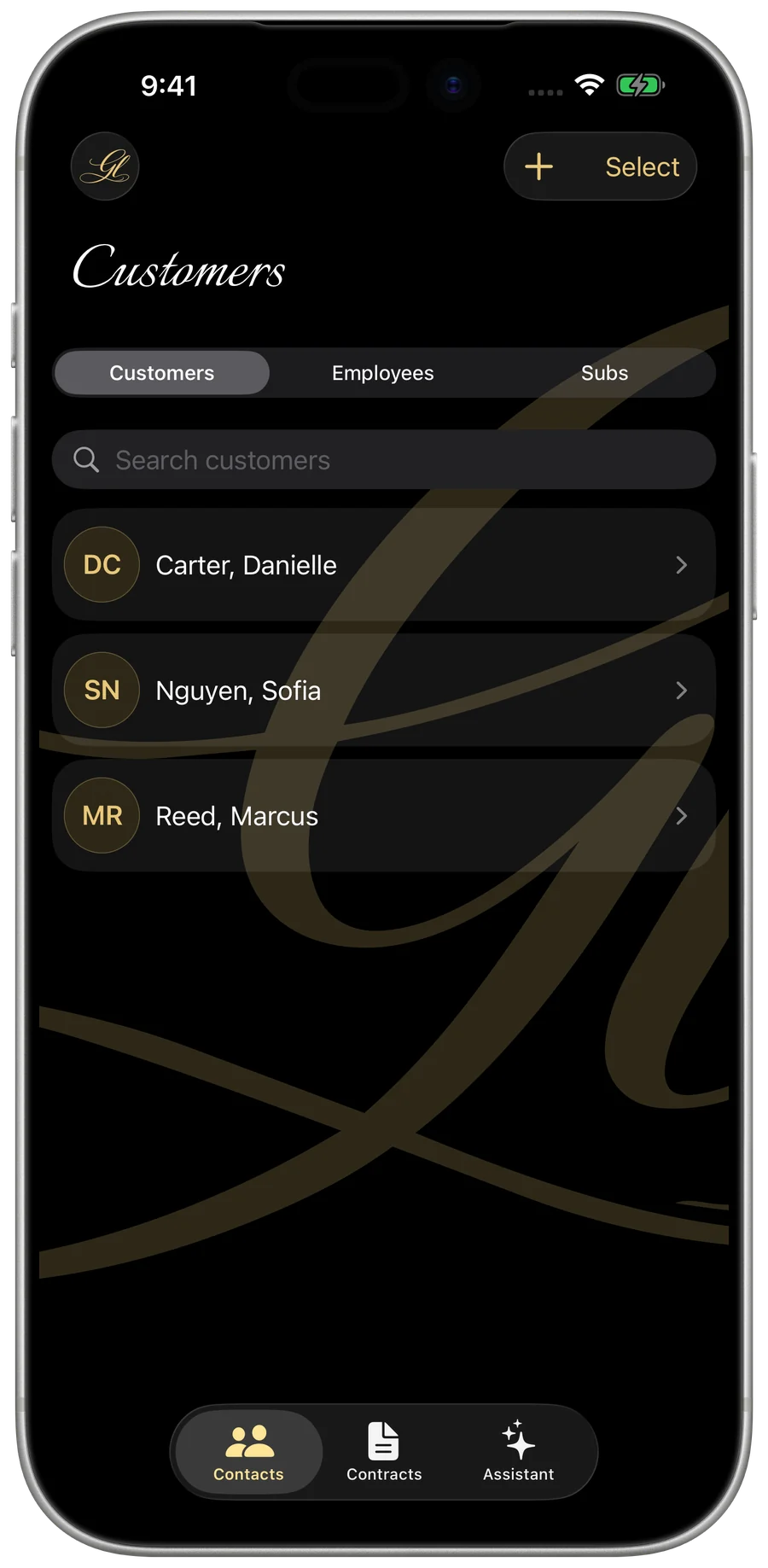
My Business — the customer list
Customers

Every customer, organized

Contacts, addresses, full job history, and insurance paperwork — each customer in one tidy place.
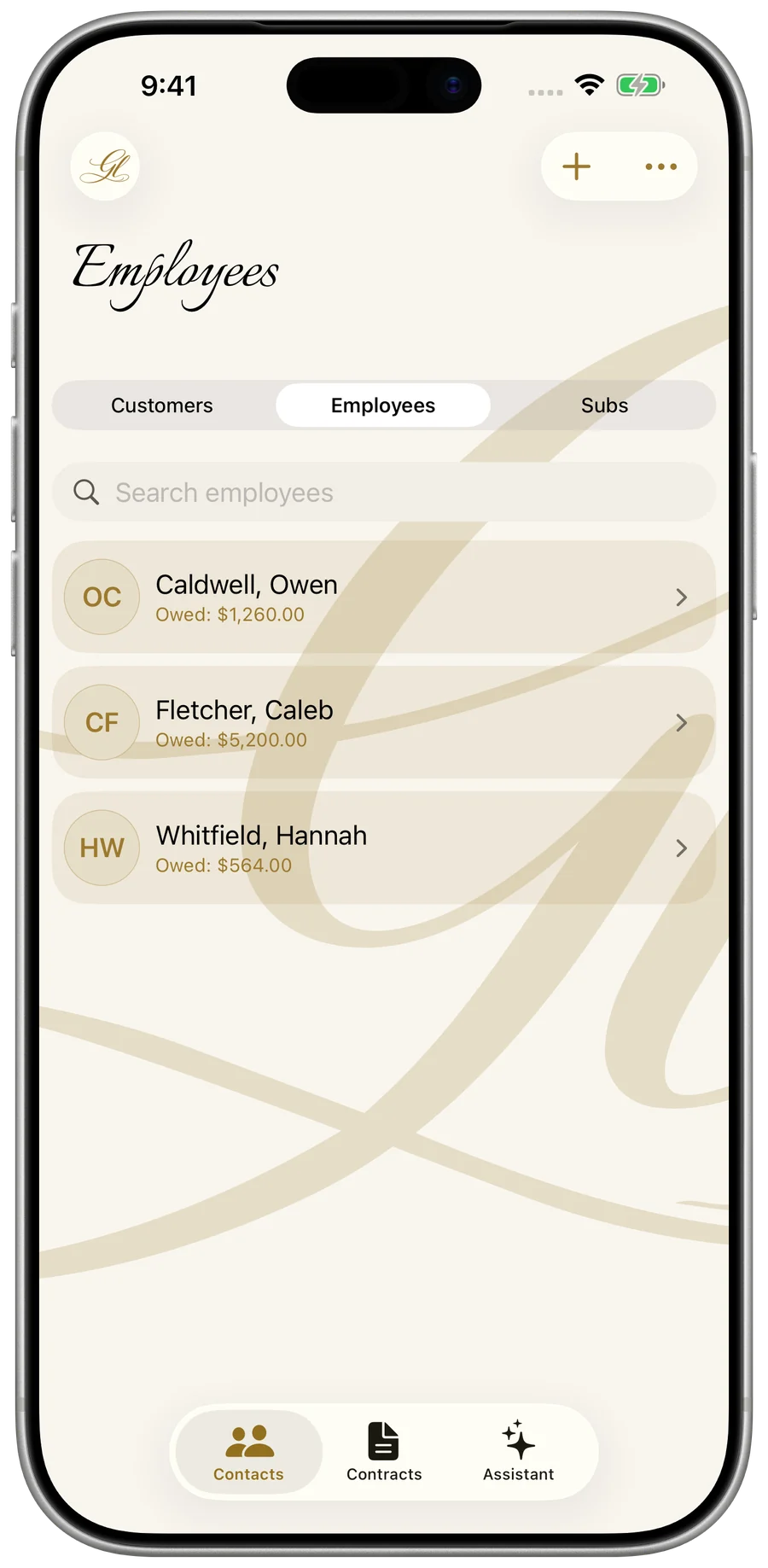
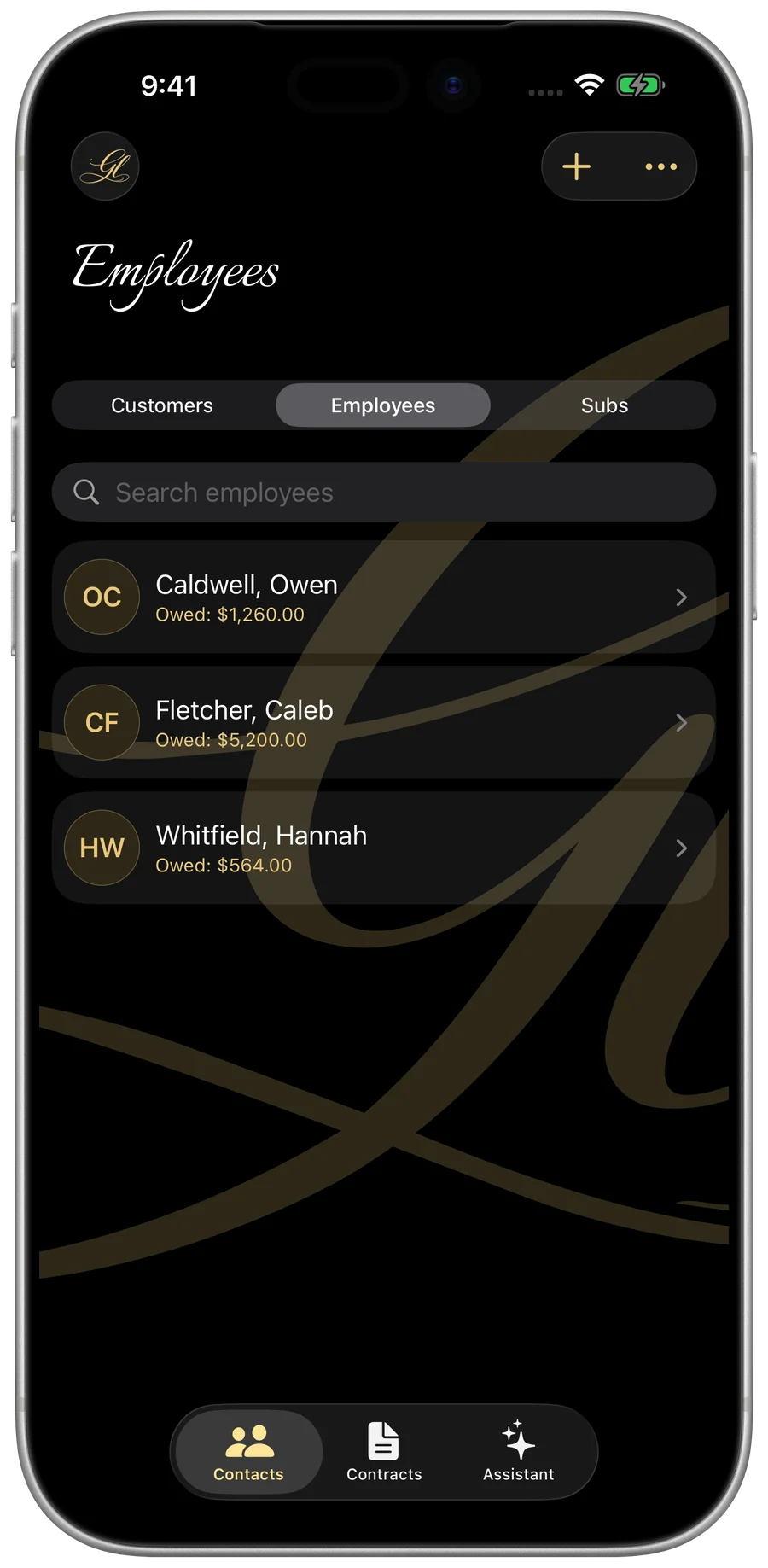
My Business — an employee’s hours and pay
Crew & payroll

Your crew’s hours and pay

Log hours against the job, watch pay accrue toward the next payday, and hand your accountant a clean year-end CSV.
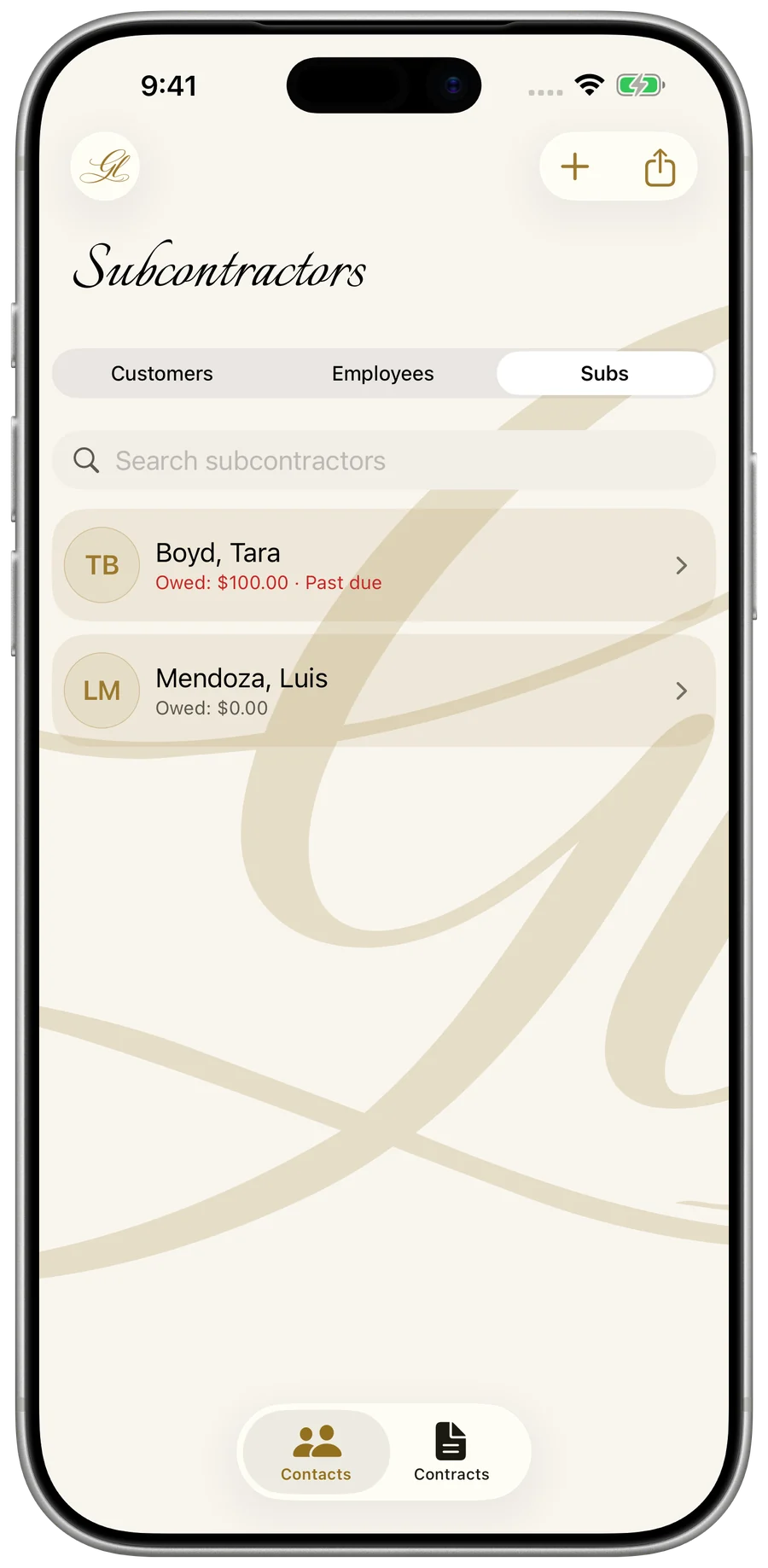
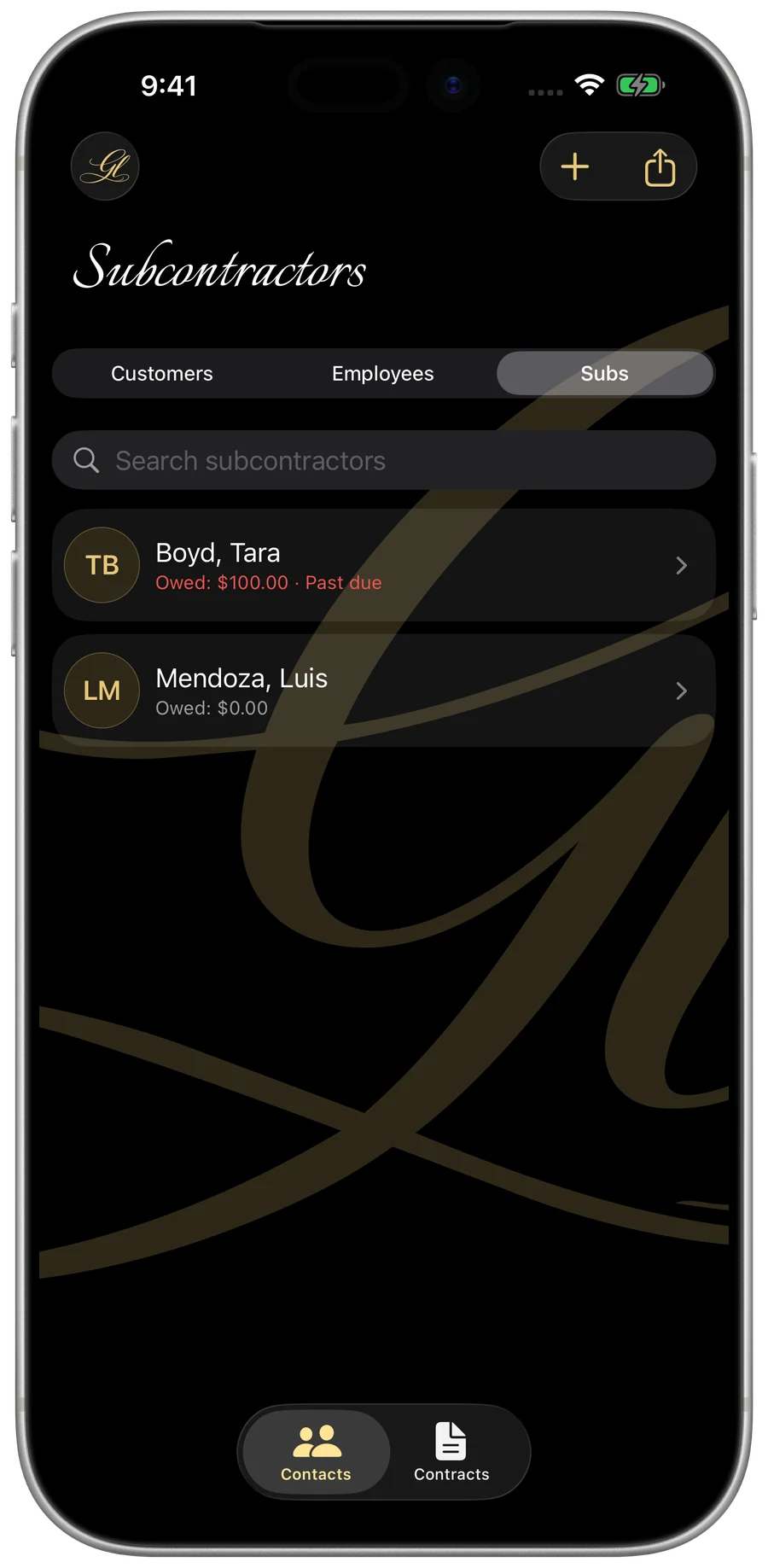
My Business — a subcontractor ledger and 1099-NEC
Subcontractors & 1099

Pay subs, generate a real 1099

Track owed-vs-paid, watch each year’s 1099 threshold automatically ($2,000 for tax year 2026 and later), and fill the actual IRS Form 1099-NEC.
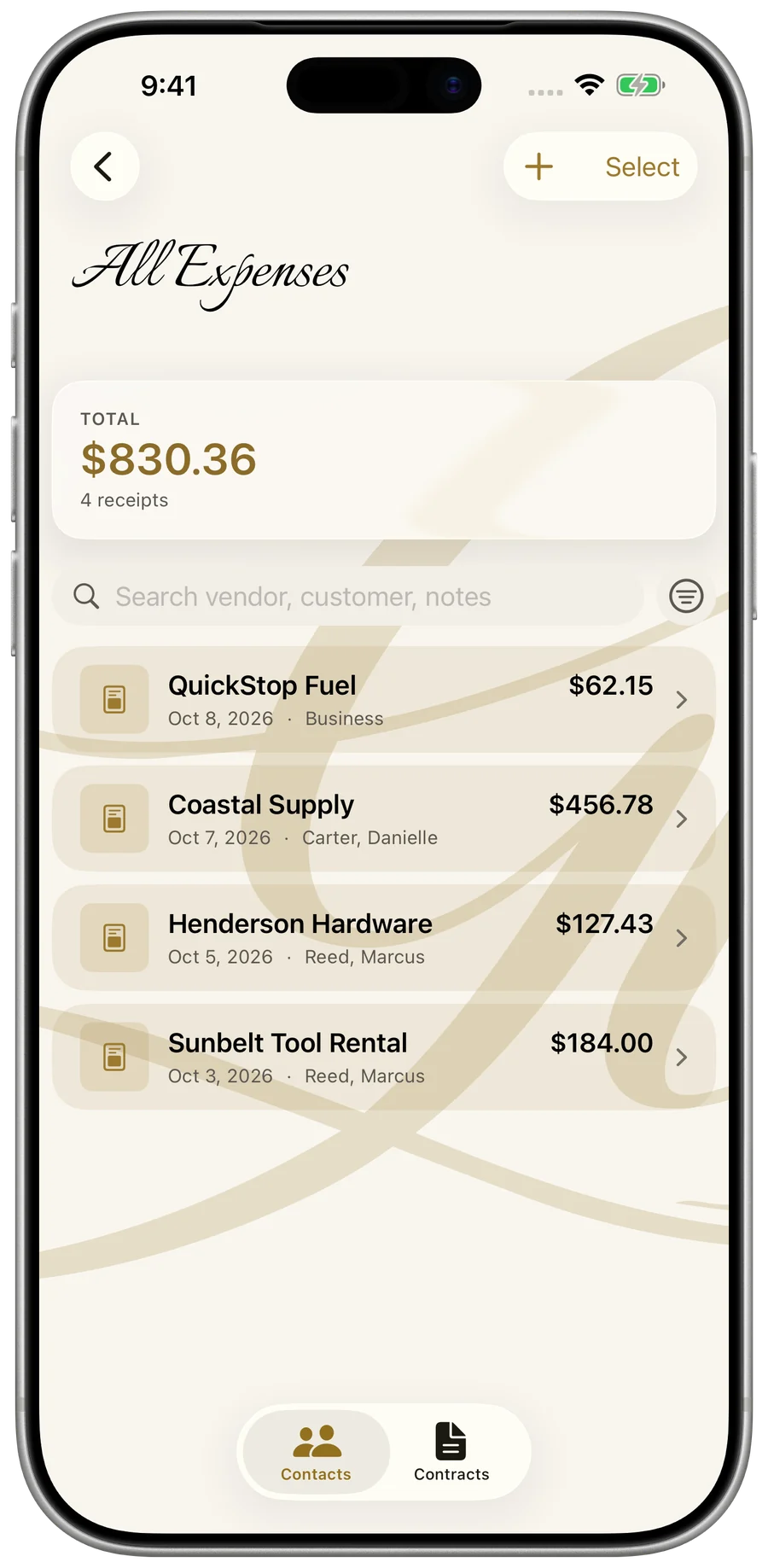
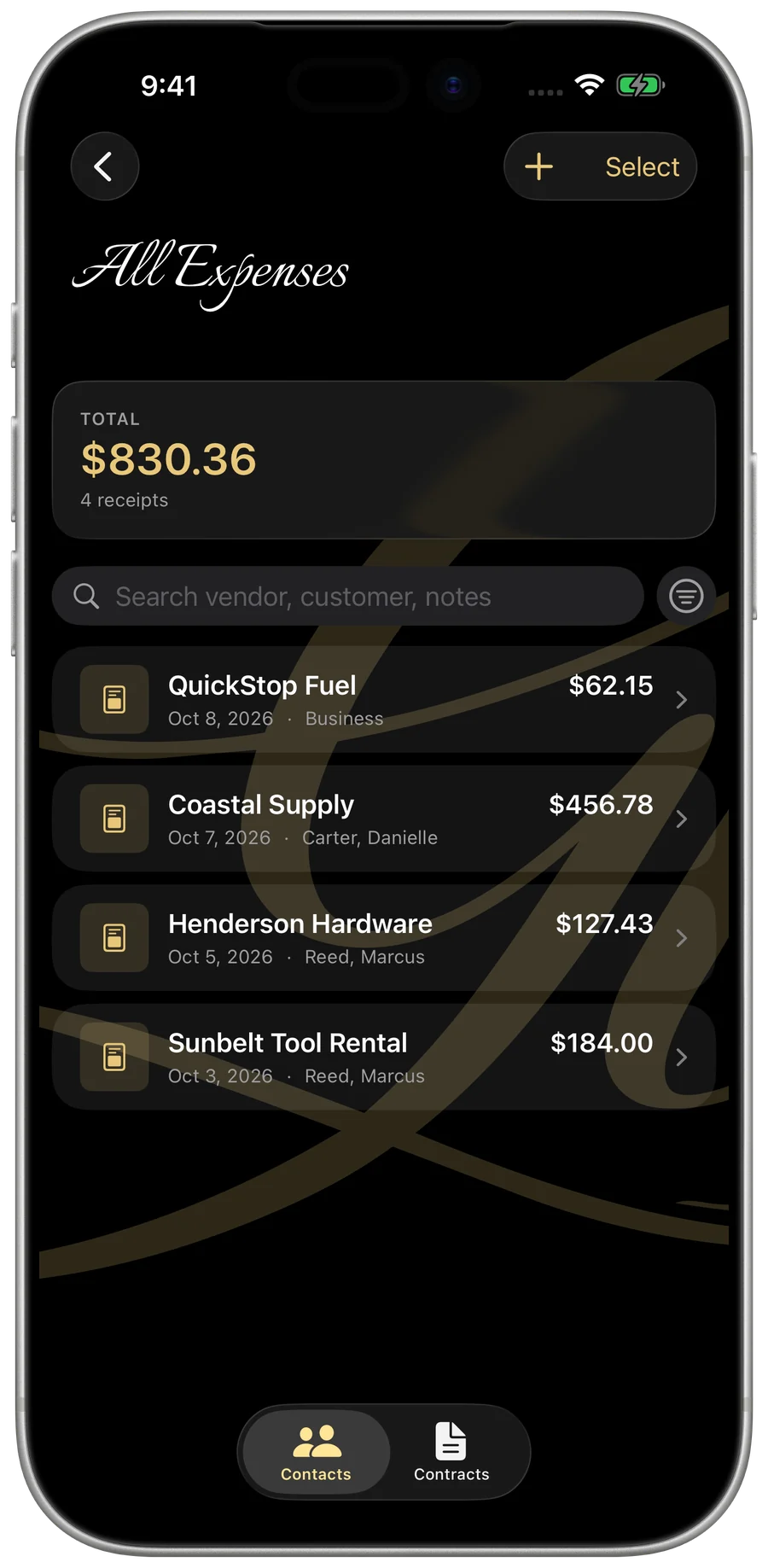
My Business — scanned receipts filed by job
Receipts

Snap a receipt, capture the expense

Photograph any receipt — the vendor, date, and total fill in themselves — then file it against the right job and customer.

My Business — saved price sheet items for instant quoting
Price sheets

Catalog your rates & materials

Build a catalog of your standard services, hourly rates, and materials once. Pull them straight into estimates and invoices with a single tap.
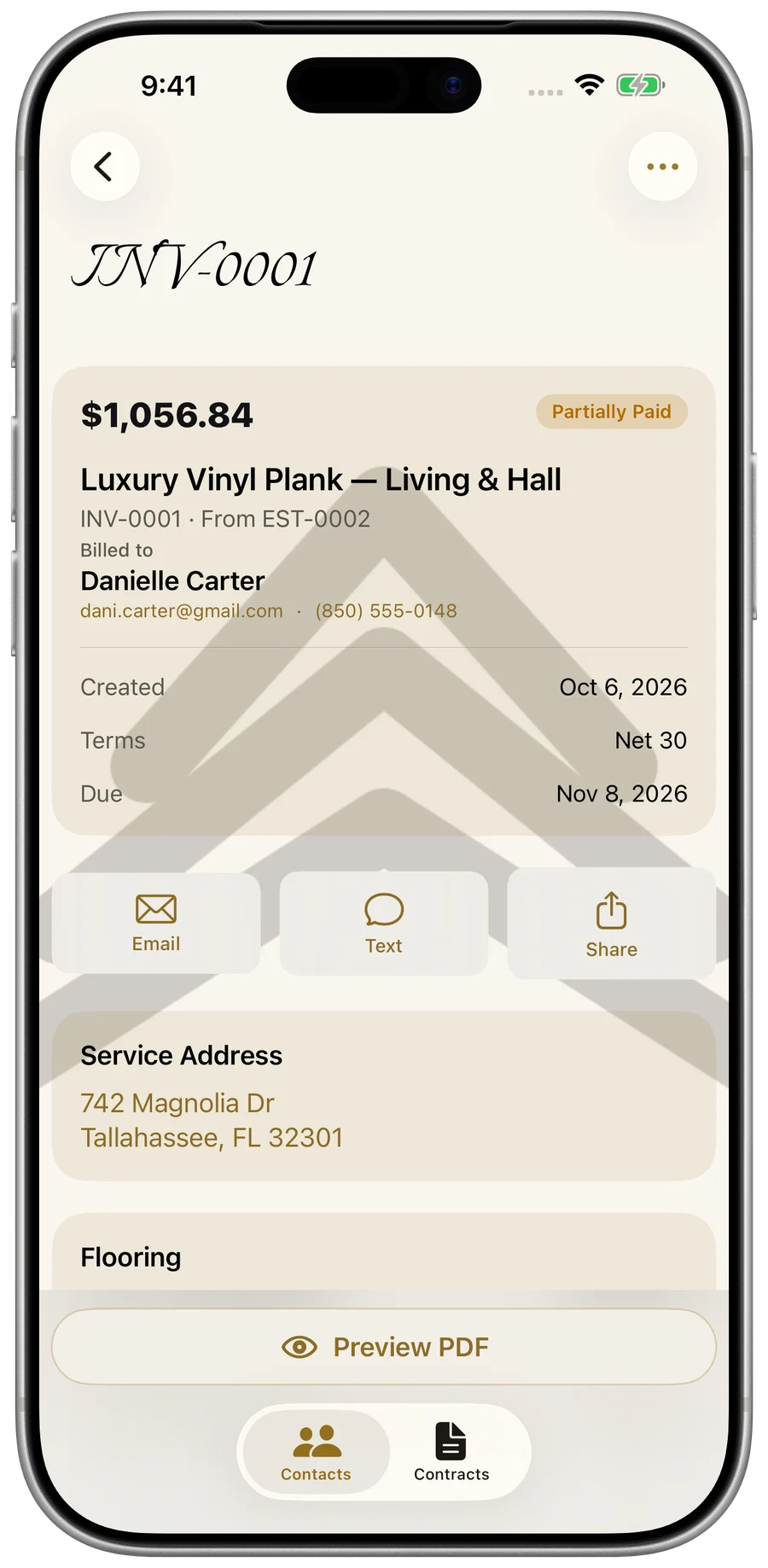
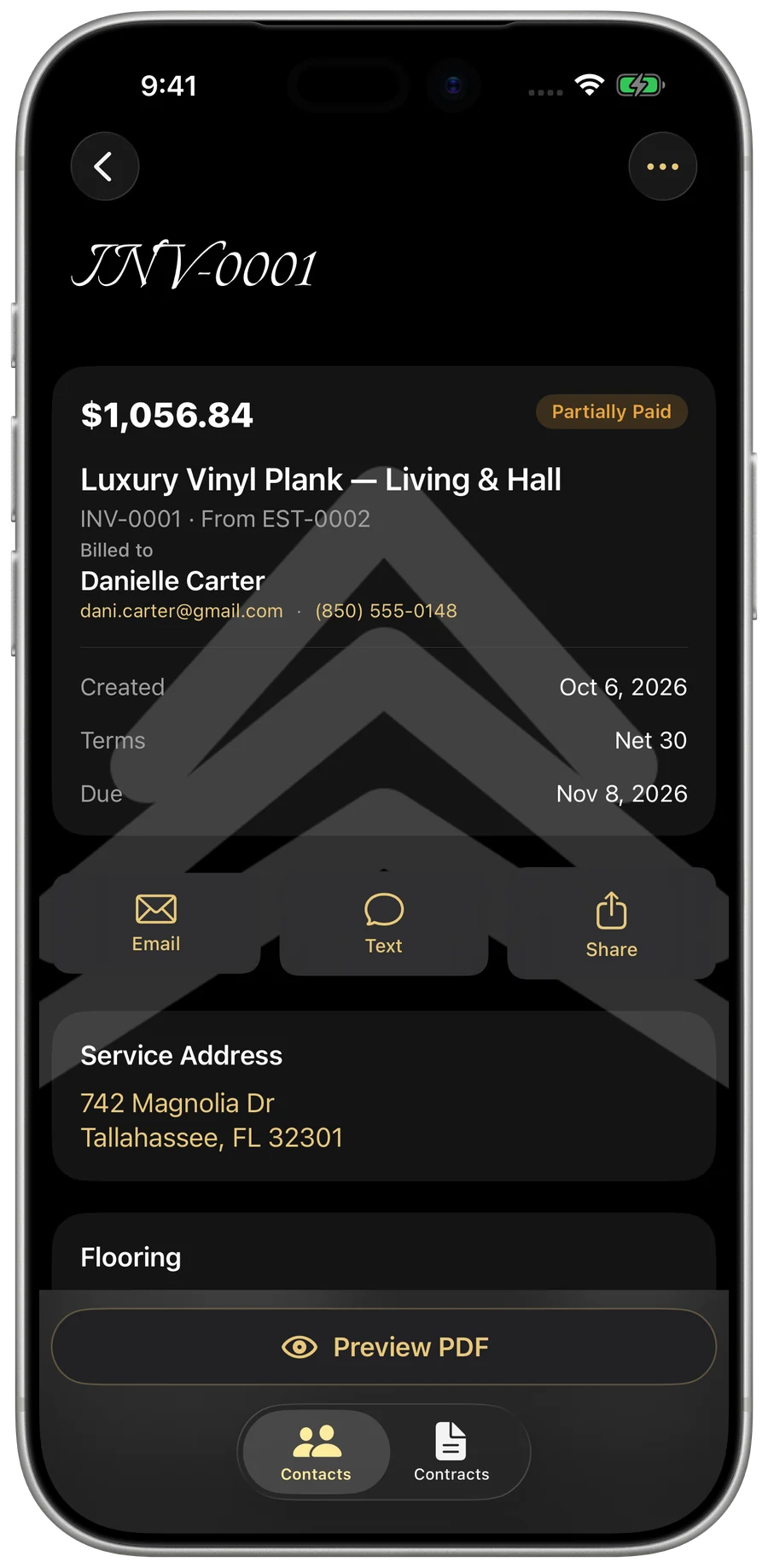
My Business — a branded document package
Documents & packages

Hand over everything in one tap

Bundle a contractor’s whole compliance package, or close out a finished job with a completion package — certificate, paid receipt, and warranty.
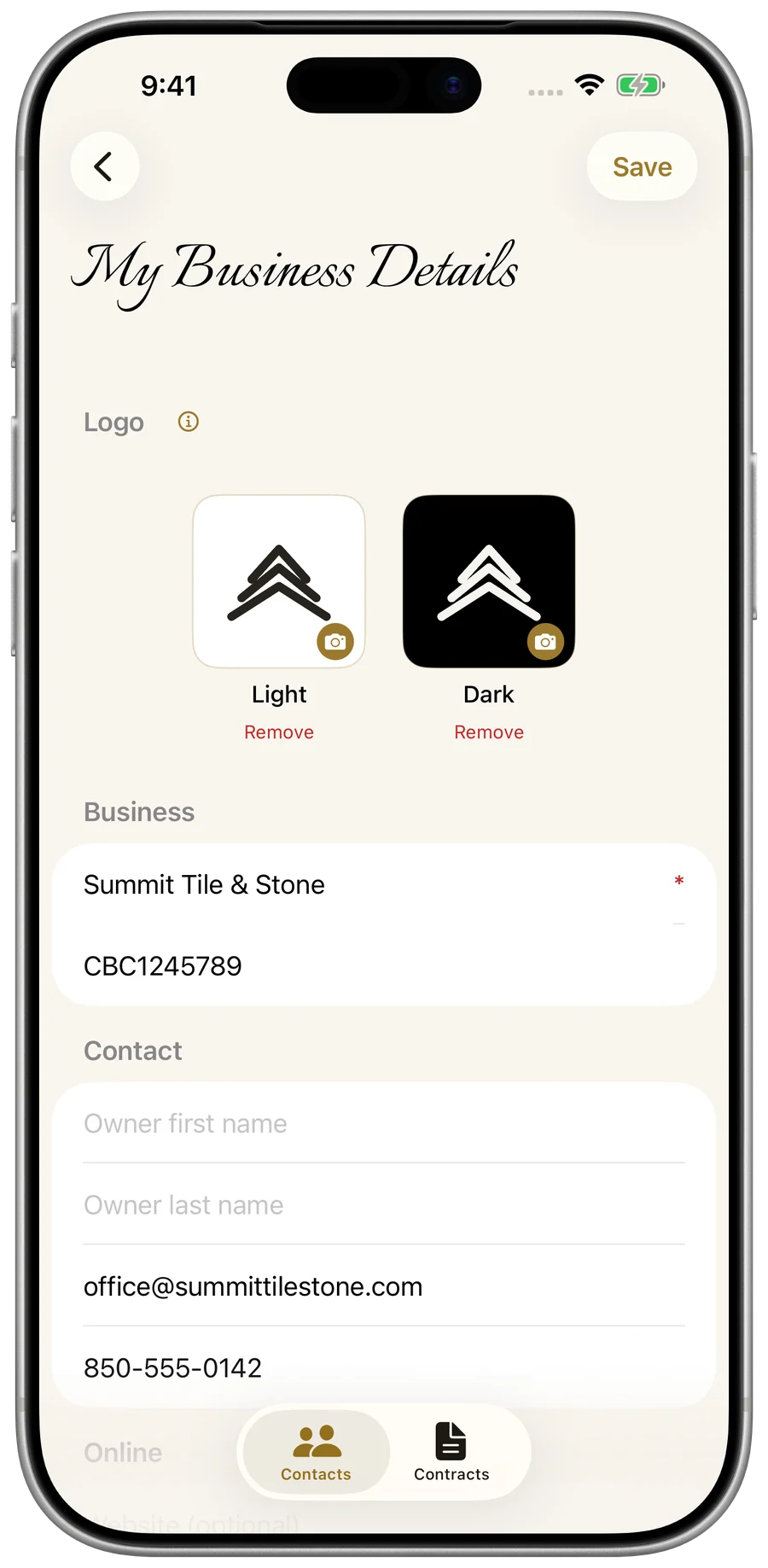
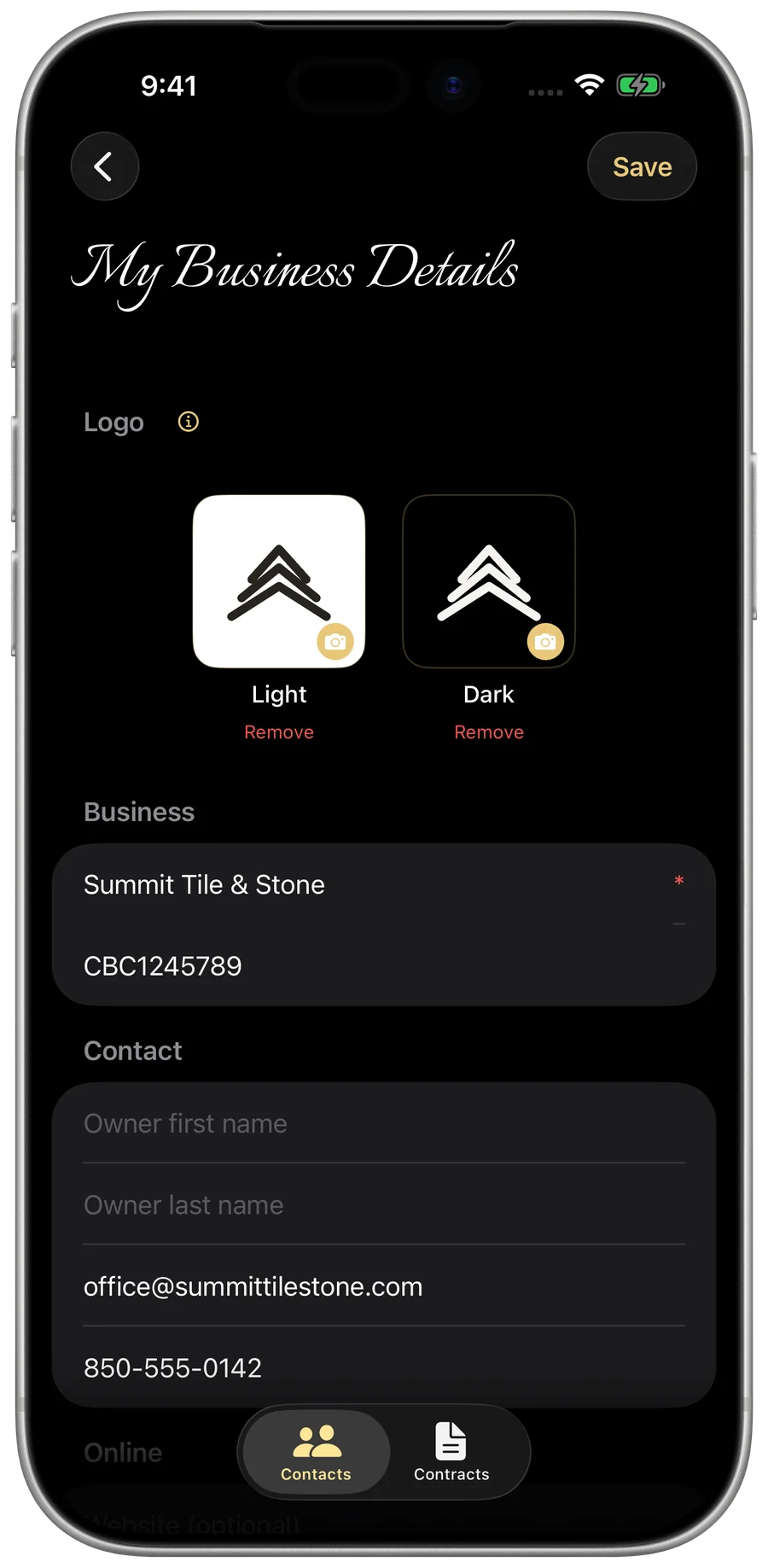
My Business — your own logo and business details
Branding

Make the app unmistakably yours

Your logo (with a dark-mode version), business details, and signature — on the app and every document your customers see.
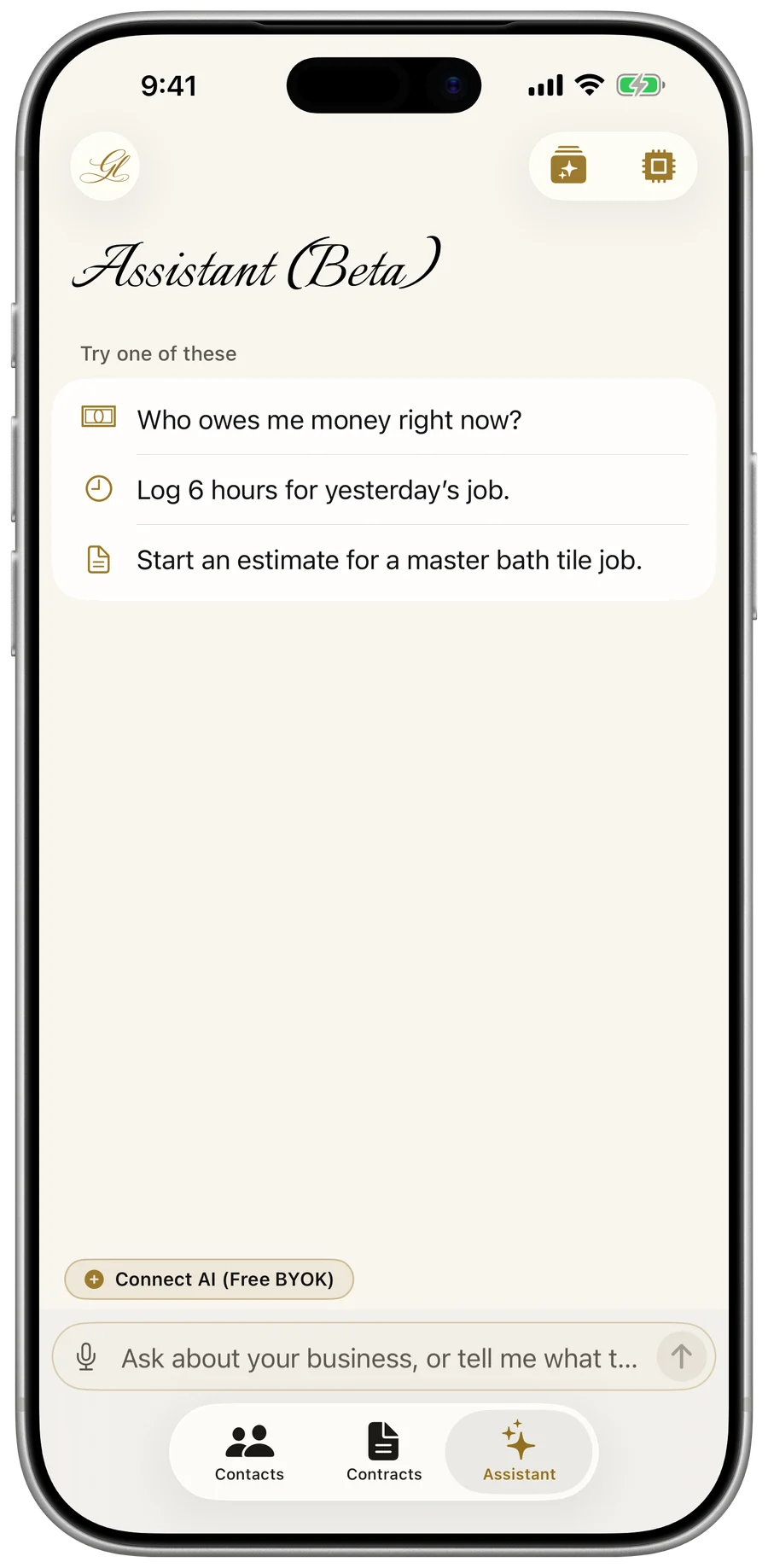
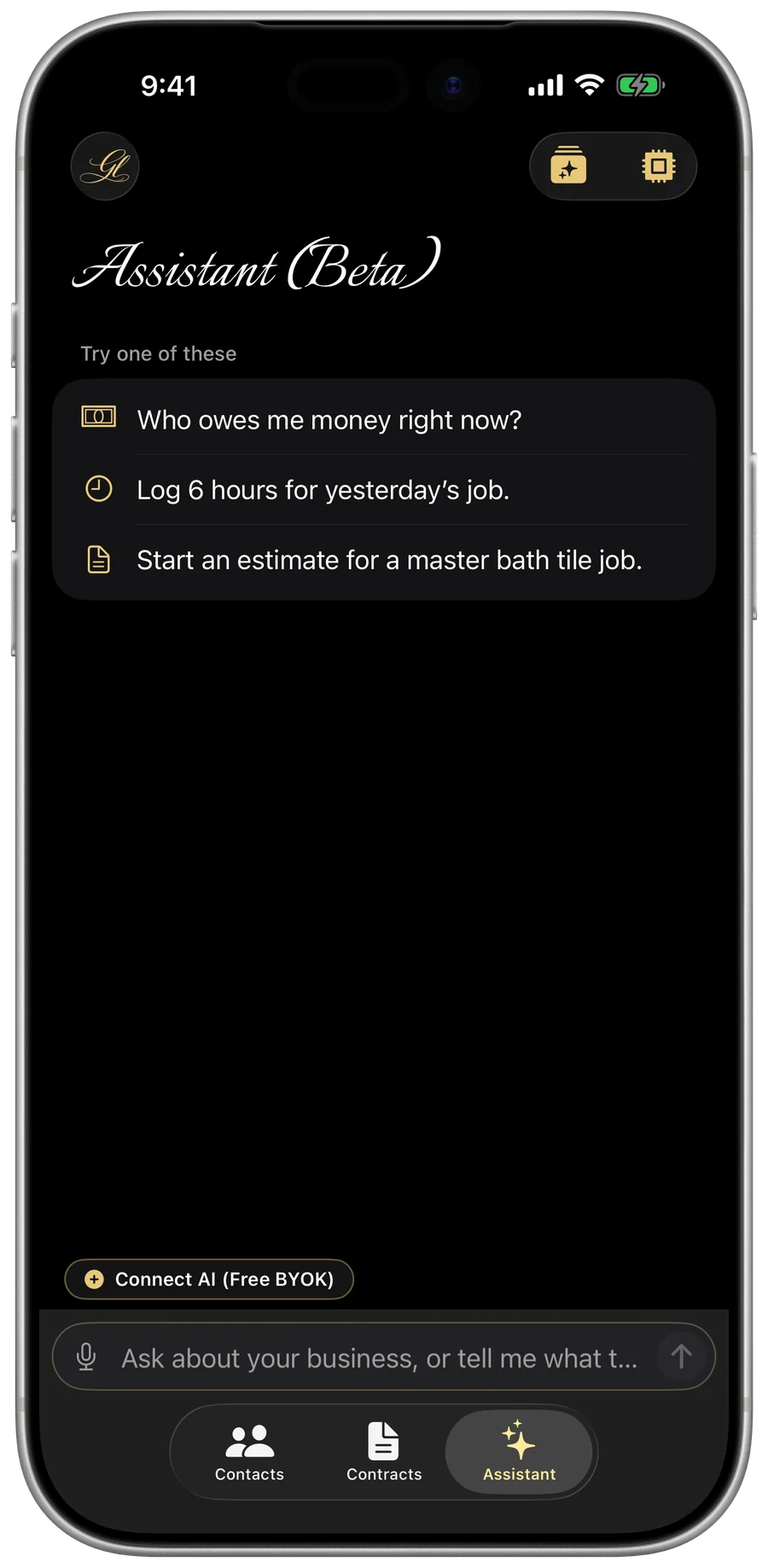
My Business — the AI Assistant conversation screen
AI Assistant (Beta)

An assistant in your own words

Ask in your own words, and the assistant finds, adds, and updates your records for you. Connect your own API key (OpenAI, Anthropic, Google, or Meta) for a single sign-in session or turn on Save API Key to keep it in your encrypted iCloud Keychain — running directly from your device with zero AI markups from Gold Life.
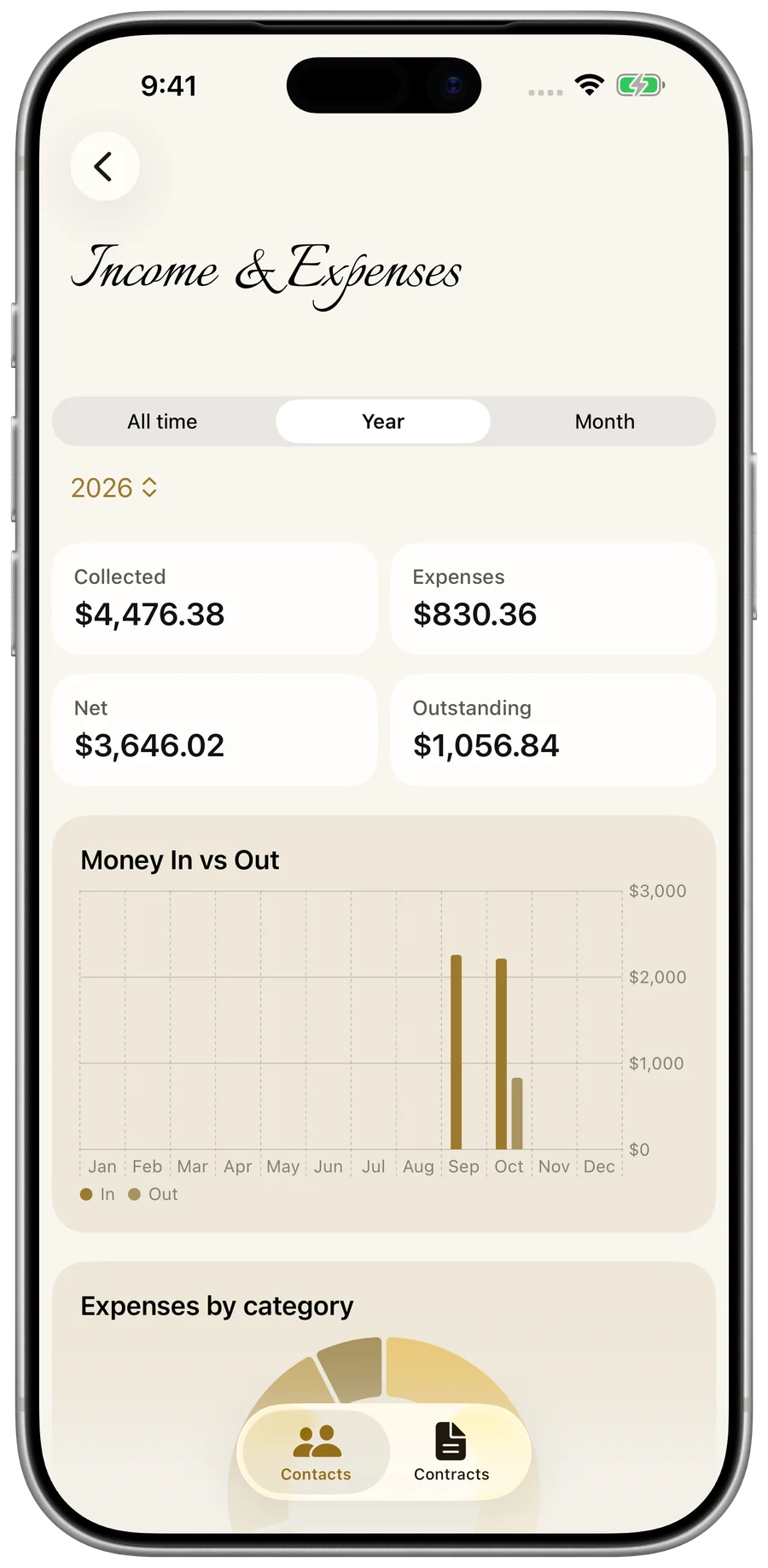
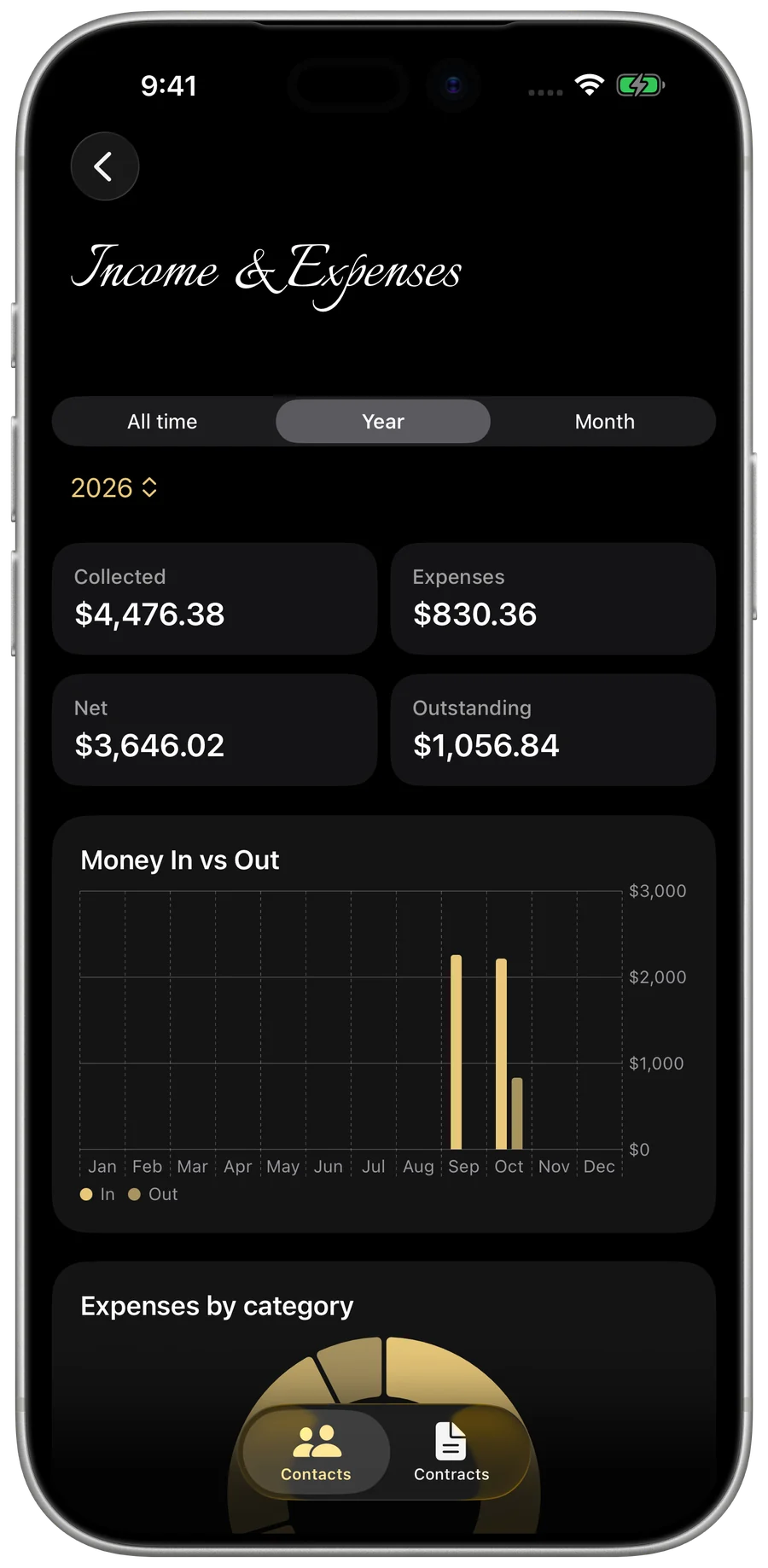
My Business — the Stats dashboard
Reports & insights

Know your numbers

Collected, expenses, net, outstanding, and win rate — then export the year-end report your accountant needs.

No Ads · No Analytics · No Tracking

Uncompromising Protection.

My Business securely stores your records to your Gold Life account on our dedicated, secure servers. The app keeps a persistent read-only cache on your device, meaning your entire business survives and syncs flawlessly across all your devices, and you can still view your records while offline. Signing out clears them from the device. Gold Life is built on absolute privacy: no ads, no analytics, no tracking. Your data is never sold or shared. Period. Total transparency is our standard, detailed fully in the Privacy Policy.

Securely storedYour records are encrypted in transit and stored safely in your Gold Life account, appearing on every device you sign in on.
Read-only offline cacheWhile offline, the app provides a read-only cache of your records. You cannot edit records offline; creating or updating records requires an active connection and sign-in.
Tax IDs stay on your deviceSSNs and EINs are never sent to Gold Life servers in plain text. They are sealed in Apple’s encrypted Keychain and protected by Face ID.
Tax documents go up encryptedW-9s carry sensitive tax numbers, so your device encrypts the document before upload. Our servers strictly store the encrypted version.
Optional app lockRequire Face ID (or your device passcode) to open the app — an extra layer of security for an unlocked, unattended phone.
Delete it and it’s goneDeleting takes two steps, in this order: erase My Business’s data on its Gold Life ID screen (any other Gold Life app that still holds your data is erased from inside that app), then delete your Gold Life ID. Erasing removes your records from our servers the moment you confirm (an encrypted backup copy ages out within 30 days), and neither step can be undone.
Free Tier Included · 1-Month Free Trial

Simple, Honest Pricing.

Monthly
$12.99 / month

1-month free trial, then billed monthly.

Every new subscription includes a 1-month free trial, and there’s a built-in free tier with nothing charged up front. If a subscription later lapses, My Business turns read-only: everything stays readable, but the app stops creating, editing, generating documents, and exporting until you subscribe again. Never subscribed? The free tier is untouched.

In development · Coming Soon

Already Great. Getting Better: Built for every owner

Full Dynamic Type, so the whole app scales cleanly to the text size you set — no clipped buttons, no squinting. And complete VoiceOver support, with every screen, field, and action clearly labeled, so owners who are blind or low-vision can run the entire business, start to finish, without a single workaround.

Direct Answers

Questions, Answered.

Where can I get it?
My Business is live on the Apple App Store now — download it on the App Store and you’re running on your iPhone or iPad in minutes.
What does it cost?
$12.99/month or $89.99/year, with a 1-month free trial on either plan. There’s also a built-in free tier with nothing charged up front — start on the free tier for as long as you like, and start your 1-month free trial whenever you want to remove its limits.
Where is my data stored?
On Gold Life LLC’s own secure servers, tied to your Gold Life account. The app keeps a persistent, read-only cache on your device so you can still browse your records while offline. Signing out clears it from the device, and your data stays safely on our servers. That means I hold a copy, and I’d rather say so plainly than dress it up: no ads, no analytics, no selling it, no sharing it. Two things get extra protection: Tax IDs (SSN/EIN) stay in your device’s Keychain, and W-9 files are encrypted on your device before they’re uploaded. The full detail is in the Privacy Policy.
Do I need to create an account?
Yes. My Business requires an account so your data is securely stored on our servers and tied to you, not just your device. Signing in creates a Gold Life ID — one account across every Gold Life app. You can sign in with Apple, Google, or your email (via a secure one-time code).
What happens if I stop subscribing?
Your records stay yours and stay readable — every customer, estimate, invoice, job, and receipt is still there to look at. What stops is the app acting on your behalf: while a subscription is lapsed it won’t create or edit records, change a status, record a payment, generate a document like a 1099 or a W-9, or export. Subscribe again and everything is restored instantly. This only applies if you subscribed before — if you’ve never subscribed, the free tier works exactly as it always has.
What devices does it run on?
iPhone, iPhone Duo, and iPad, designed natively for each — and once you’re signed in, your work appears on all of them through your Gold Life account.
What is Software by GL?
Software by GLis the software studio of Gold Life LLC — every app and website is built and refined to the Gold Standard, the way I’d want it for my own business. More on the builder and the standard ↗
How do I cancel?
Anytime, from your Apple subscription settings — no calls, no hassle. Once it lapses the app goes read-only: everything stays readable, but it stops writing, generating, and exporting until you subscribe again.
Now Available on the App Store
My Business icon

The Gold Standard, in Your Pocket.

Or search “My Business - Evolved by GL” on the App Store.