

My Business
Contracts & change orders
Lock it in, track every change
Turn an estimate into a legally binding contract with signatures. When the scope changes mid-job, add auto-approved change orders straight to the contract without needing an invoice first.
Turn an estimate into a contract
Convert any estimate directly into a contract. The entire scope of work, including line items and pricing, transfers seamlessly. A beautiful PDF is generated automatically.
- Open an estimate and tap “Convert to Contract”.
- Preview the generated PDF that includes your business branding, client details, scope groups, and signature blocks.
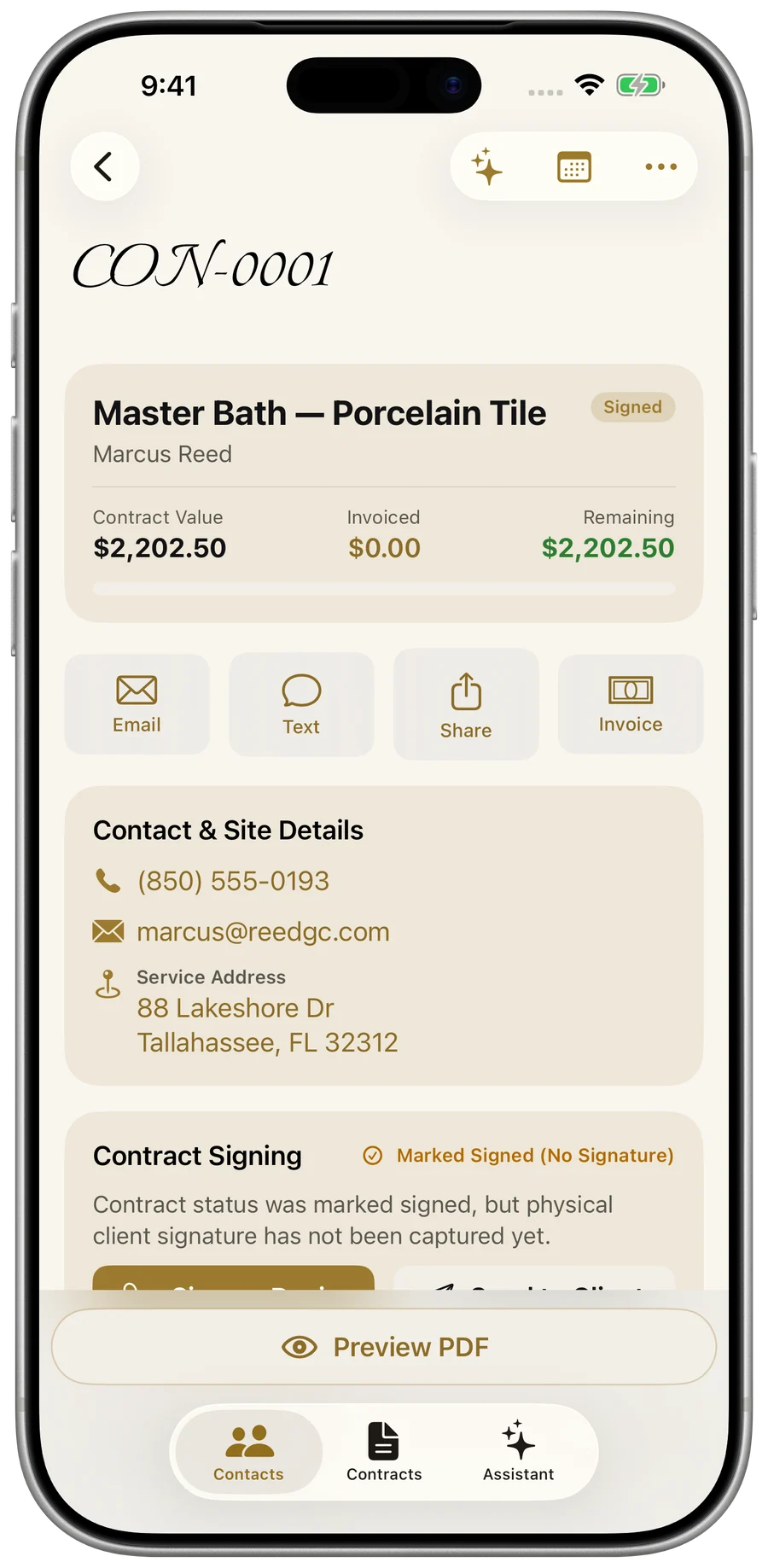
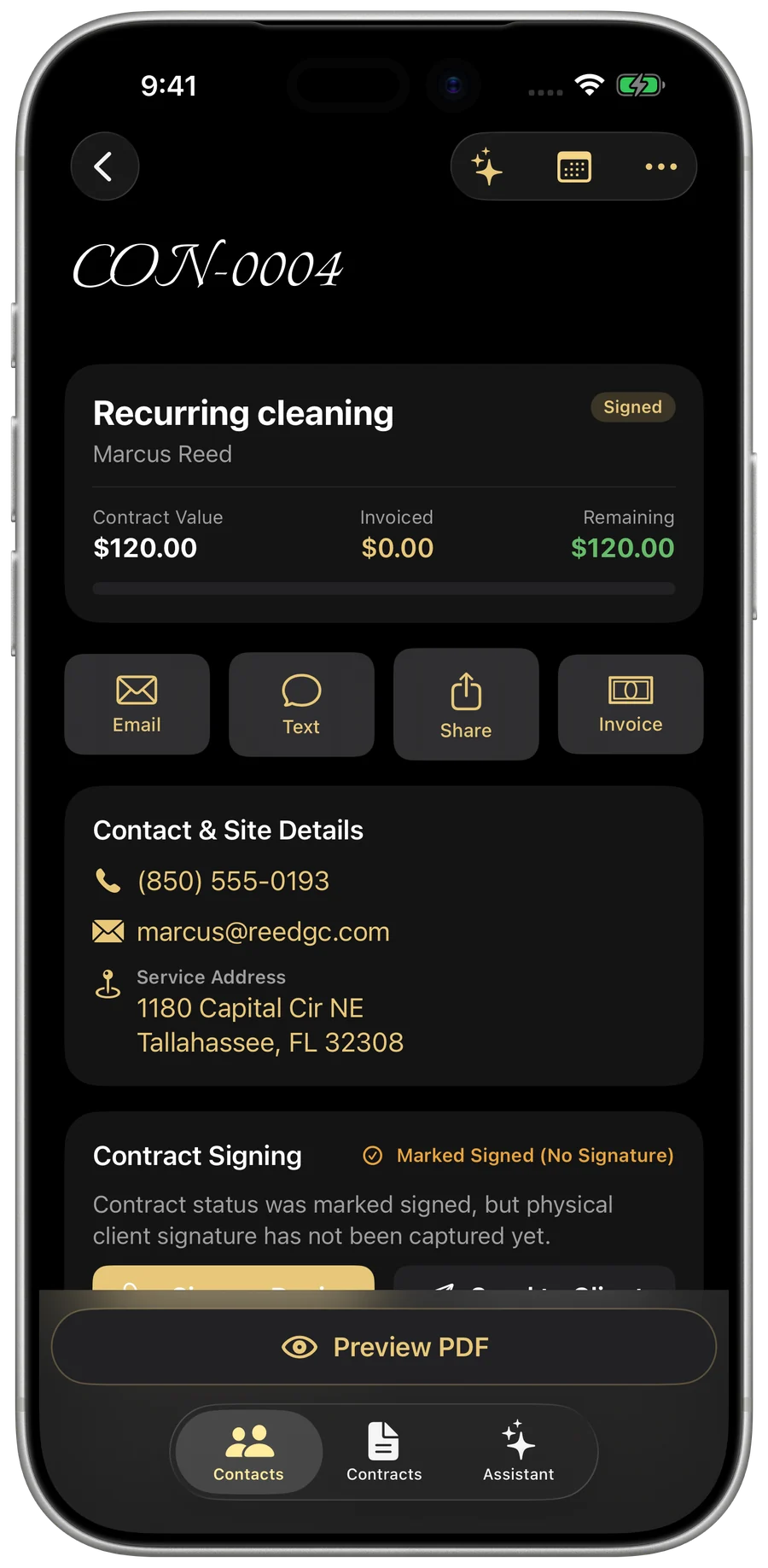
Sign on Device or send for later
Capture a physical signature on the spot, or mark it as signed if you have authorization offline.
- Tap “Sign on Device” to hand the device to your client for a physical signature. The PDF updates immediately.
- Alternatively, tap “Mark Signed” if you received verbal or email approval, which badges the contract as “Marked Signed (No Signature)”.
- Send the PDF to the client via email or text with one tap.
Manage scope with change orders
When the job grows or shrinks mid-project, draft a change order against the contract. It’s auto-numbered, and prices added or removed work as charges and credits.
- Open the contract and tap ••• → “New change order”.
- Change orders are defaulted to approved. You can easily switch their status with the inline picker.
- The contract’s total value updates immediately as change orders are added and approved.